NoCost-
Convert images freely without paying any fees.
Easily convert PNG images into scalable SVG vector files online. Enjoy fast, accurate, and hassle-free conversion directly in your browser—no software or registration needed.
Convert PNG images to SVG quickly with an easy-to-use converter that delivers editable vector results, supports smooth workflows, and requires no software installation.
Convert images freely without paying any fees.
Start converting instantly without creating an account.
Works directly in your browser on any device.
No browser extensions or extra tools required.
Access files directly from your cloud storage.
Download clean SVG files without unwanted marks.
Convert multiple PNG files in a single task.
Keep uploaded images protected throughout conversion.
Keep graphics sharp at any size with vector-based SVG files.
You can adjust colors, shapes, and paths after conversion.
Convert PNG images to SVG online with MultConvert in just a few clicks. Get high-quality SVG files that are ready for editing, resizing, and use across different projects.
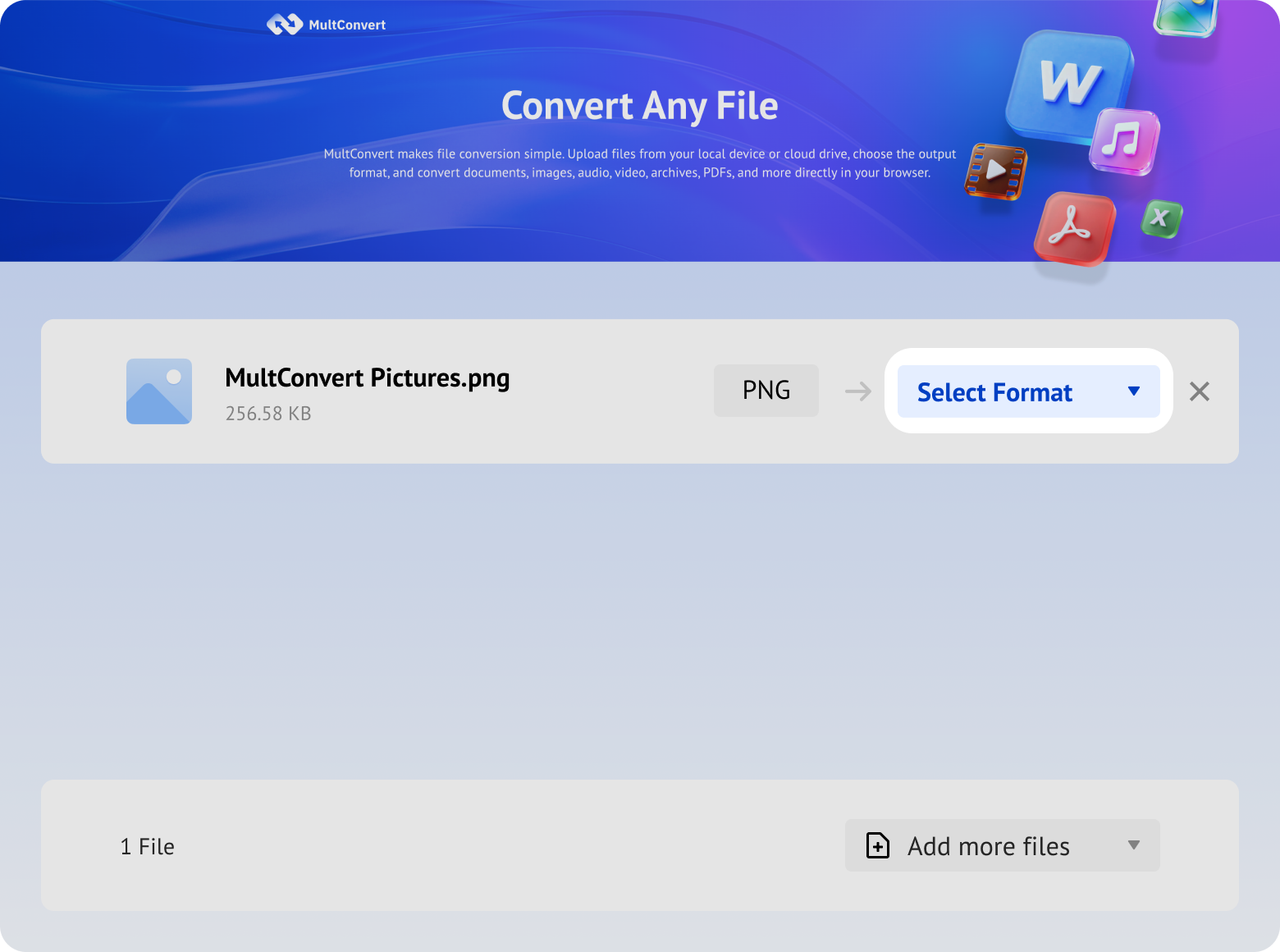
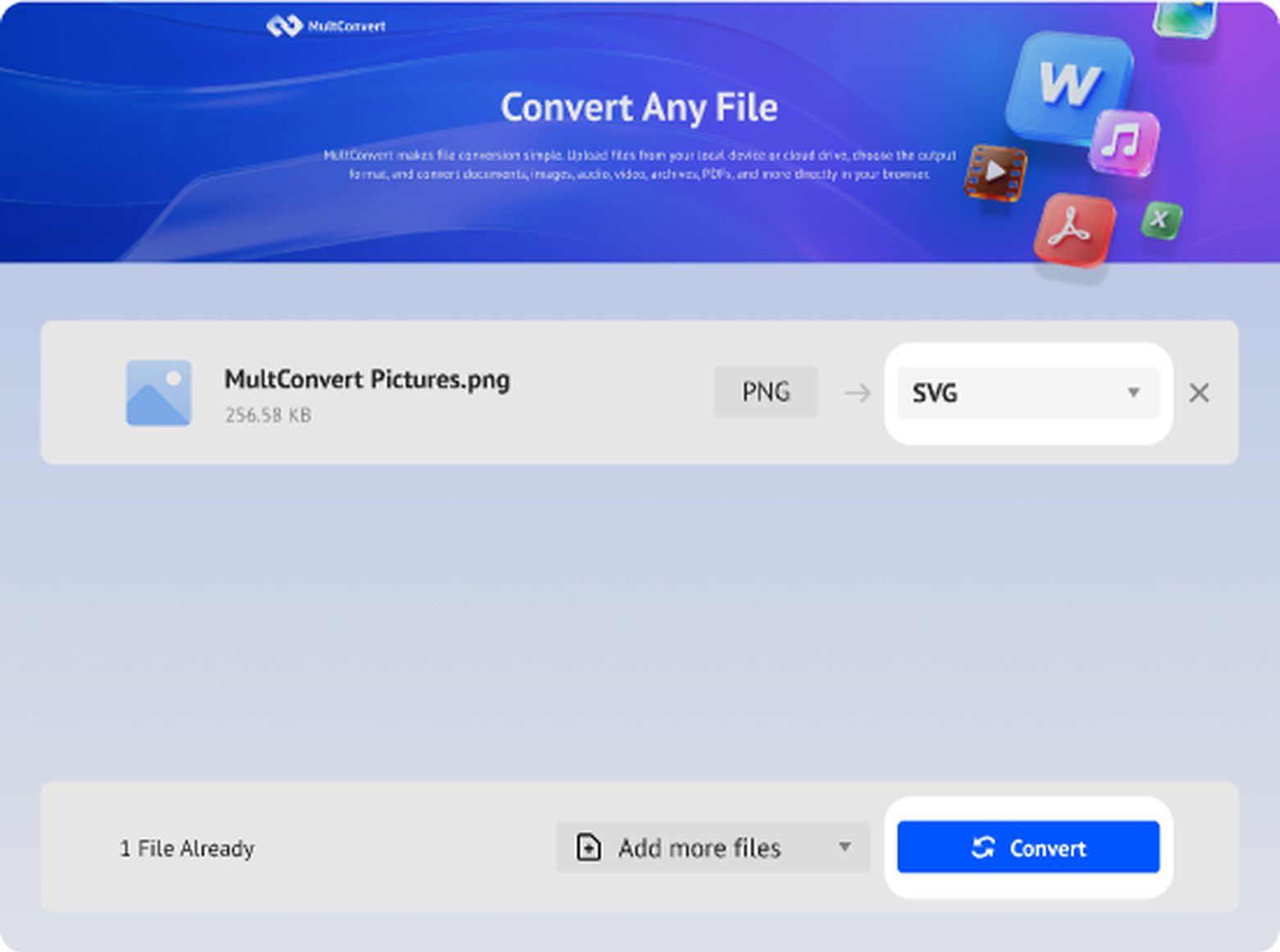
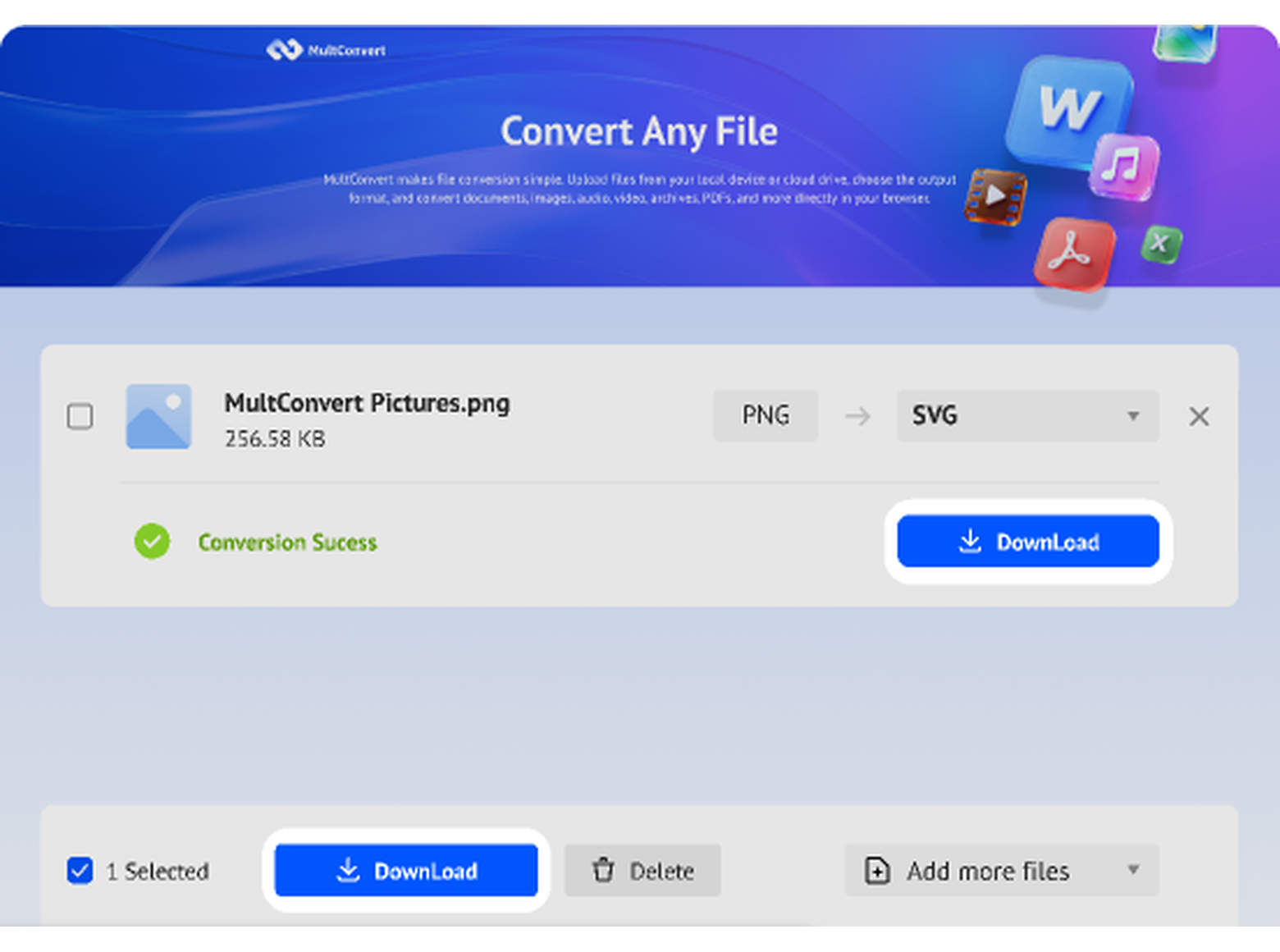
Upload PNG files from local storage, external drives, or cloud storage and convert to SVG in just a few clicks.
Files saved on a hard drive are ready to convert directly from your device.
Work with files stored on an SSD without moving them first.
Plug in a USB flash drive and convert your files on the spot.
Convert camera files straight from an SD card when you need them.
Access files from Google Drive and start converting without an extra download step.
Pull files from Box and move straight into conversion.
Convert files stored in Dropbox without downloading them first.
Use OneDrive files directly for a faster conversion flow.
Your files are encrypted during upload and download, processed automatically, and removed after conversion. We never read, share, or store your documents longer than needed to complete the conversion.
Every file is protected with HTTPS/TLS encryption while it's uploaded and downloaded.
Temporary files are automatically removed 10 hours after processing to help protect your privacy.
Your files are processed automatically and aren't manually viewed or accessed by our team.
Built with modern privacy practices in mind, including data handling principles aligned with GDPR expectations.
Converting PNG to SVG transforms pixel-based images into vector graphics, creating cleaner outlines, smoother edges, and scalable graphics that remain sharp at any size.
| Aspect | PNG | SVG |
|---|---|---|
| Scaling | Pixelates when enlarged | Stays sharp at any size |
| Graphic Type | Raster image | Vector graphic |
| Resolution | Fixed pixel resolution | Resolution-independent graphic |
| Shapes | Fixed pixel outlines | Smooth editable vector shapes |
| Colors | Pixel-based colors | Solid colors preserved; gradients may be simplified |
| Transparency | Supported | Preserved |
| Compatibility | Raster-based workflows | Design tools, browsers, printing & cutting workflows |
| Code Editing | Not supported | SVG elements editable |
PNG images work well for everyday use, but enlarging them can make edges look blurry. Our PNG to SVG converter — MultConvert transforms your images into scalable SVG files, keeping graphics sharp and clear for a wide range of design needs.
Create graphics that adapt to different sizes, from small digital assets to large displays, without needing multiple PNG versions.
Make design adjustments easier by editing separate paths, shapes, and colors instead of modifying the entire image as one layer.
Maintain a consistent appearance across different screens, sizes and layouts with a flexible graphic format that scales smoothly.
Bridge creative and technical workflows by editing SVG files in design software or adjusting their code-based properties directly.
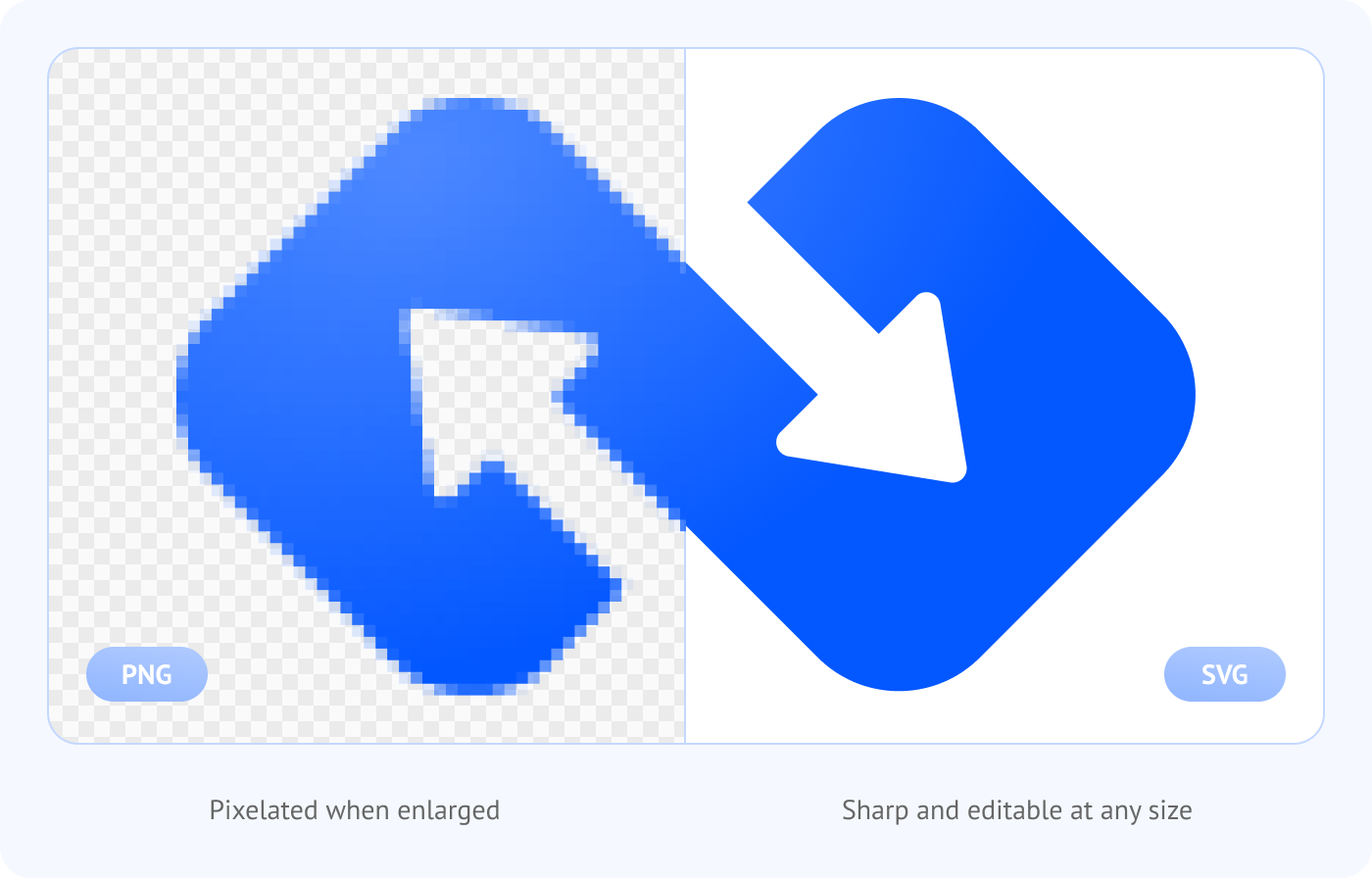
SVG output quality depends on factors like image complexity, vector accuracy, color handling, and the structure of converted paths. The best results usually come from simple graphics with clear shapes.
Creates smooth outlines and clear boundaries without blurry or pixelated edges, even when the SVG is enlarged.
Preserves the original shapes and key details of logos, icons, and illustrations during vector conversion.
Maintains the original colors, transparency, and overall visual appearance of the PNG image.
Converts PNG images into flexible vector elements that can be edited using code or design tools without useless metadata.
The value of SVG depends on how you plan to use your graphics. Explore the most common scenarios where converting PNG to SVG can make everyday design and production tasks easier.
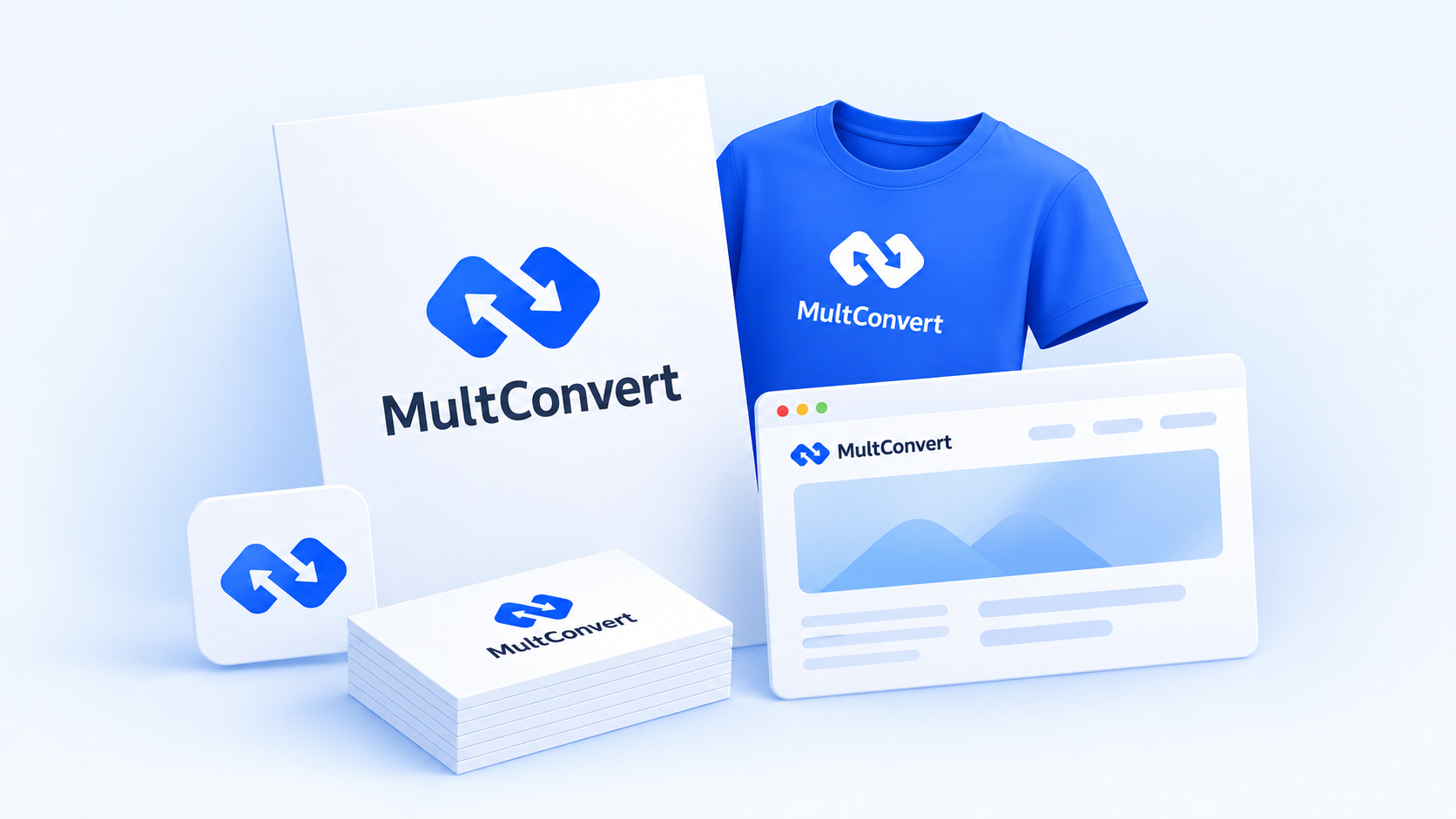
Need your logo in different sizes? Convert PNG to SVG to keep it sharp for websites, business cards, and branding materials without blurry edges or recreating the design.
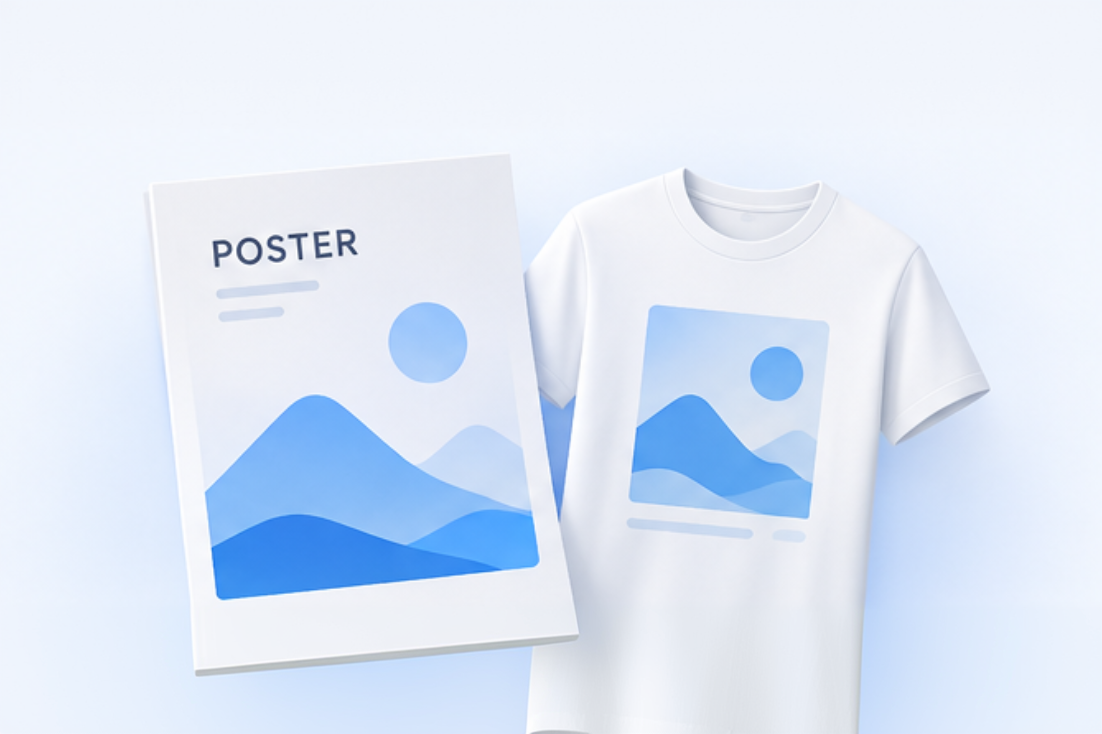
Printing a poster or putting your design on a T-shirt often means preparing artwork in different sizes. SVG simplifies that process by using one file from a business card all the way up to a billboard.
UI graphics need to work across everything from a 27-inch monitor to a small phone screen. SVG keeps one scalable file ready for every layout, with easier updates for designers and developers whenever changes are needed.
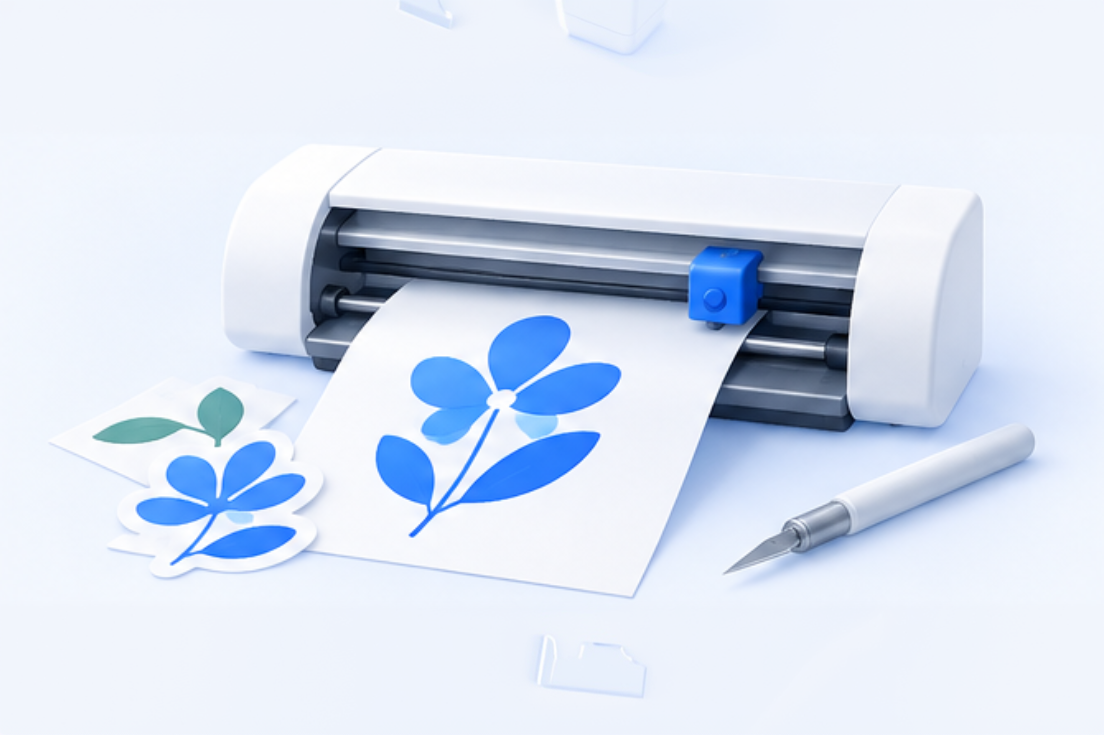
Turn your PNG designs, drawings, or patterns into SVG files for Cricut, Silhouette, and other cutting machines. Clean vector paths help create more accurate cuts for stickers, iron-on transfers, and DIY projects with fewer rough edges or unwanted gaps.
Not every PNG is a good candidate for vector conversion. Images with simple shapes and clear edges usually produce the best results, while highly detailed or photo-like graphics may lose accuracy during tracing.
| Image Type | Best for SVG | Why | Expected SVG Output |
|---|---|---|---|
| Logos | Simple shapes, solid colors, and clear outlines are easy to trace into clean, editable vector paths. | Clean editable paths | |
| Icons | Minimal details and well-defined edges help preserve the original appearance after conversion. | Smooth vector shapes | |
| Line Art & Sketches | Clean outlines are recognized accurately, resulting in smoother curves and fewer unnecessary paths. | Crisp vector outlines | |
| Flat Illustrations | Graphics with limited colors and distinct shapes convert well while remaining easy to edit. | Well-defined vector objects | |
| Technical Diagrams | Charts, symbols, and geometric shapes are well suited to vector conversion because of their structured layouts. | Accurate geometric paths | |
| Portrait/Landscape Photos | Thousands of pixels, textures, and color transitions often create overly complex SVG files with limited editing value. | Complex vector paths | |
| Watercolor & Paintings | Soft gradients, brush strokes, and blended colors are difficult to represent as clean vector shapes. | Broken color regions | |
| Low-Resolution Images | Blurry edges and missing detail reduce tracing accuracy, often producing irregular vector paths. | Rough vector outlines | |
| Highly Detailed Artwork | Fine textures, shadows, and decorative elements can generate thousands of unnecessary vector paths. | Overly complex vectors |
Pro Tips: PNG to SVG conversion works best with images that have clear outlines, simple shapes, and limited colors. If your PNG contains photographs, gradients, or heavy textures, simplifying the image beforehand can significantly improve the conversion result.
The best PNG to SVG solution depends on your project, workflow, and editing needs. Here’s a side-by-side comparison to help you choose the method that fits you best.
| MultConvertFast everyday conversions | Adobe IllustratorProfessional vector design | InkscapeFree desktop editing | |
|---|---|---|---|
| Price | Free | Paid | Free |
| Ease of Use | |||
| Speed | |||
| Setup | None | Install and subscribe | Install software |
| Batch Processing | Partial | ||
| Registration | No | Adobe ID | No |
PNG to SVG is just the beginning. Whether you need JPG, WEBP, HEIC, or BMP, MCV handles all your PNG conversions in one place. No extra tools. No repeated uploads. Just pick your image, convert, and download output, all with the same speed and quality you expect.
Compress large PNGs into smaller JPGs for faster loading and easier sharing while keeping quality intact. JPG is perfect for web uploads, email attachments, and social media posts.
Start convert for freeConvert PNG images to GIF for wider compatibility across websites, messaging apps, presentations, or simple graphics. GIF is also useful when a project or platform specifically requires this format.
Need a format that's commonly used for printing, archiving, or professional imaging? TIFF is a reliable choice for workflows where image quality and broad software compatibility matter.
Choose PNG when you need a lossless format for graphic editing, transparent design workflows, or saving future changes without introducing additional compression.
Start convert for freeExtract high-quality PNG images from GIF files for editing, presentations, design projects, or whenever you need individual frames instead of an animated image.
Save PDF pages as PNG images for presentations, design mockups, documentation, or sharing visual content where image files are easier to use than PDFs.
MultConvert analyzes the pixels, colors, and outlines in a PNG image, then converts these elements into mathematical paths and SVG shapes. The original colors are applied to the generated paths, creating a scalable SVG file that can be resized and edited.
Ready to turn your PNG into an editable SVG? Upload your file now and get started in just a few clicks—for free.