
100%Free-
No credit card, no trial, and no paid export screen.
Convert PNG images to JPG online without installing anything. Batch conversion is supported, and your images are ready to download in seconds.
Convert PNG images to JPG with a simple online tool that helps reduce file size, maintain good image quality, and works smoothly across all your devices.
No credit card, no trial, and no paid export screen.
Start converting instantly without creating an account or extra steps.
Get clean JPG images without logos, marks, or quality restrictions.
Works entirely in your browser, no downloads or plugins required.
Upload PNG files directly from Google Drive, Dropbox, OneDrive, and more.
Convert multiple PNG files together instead of processing them one by one.
Your images are protected and processed safely throughout the conversion process.
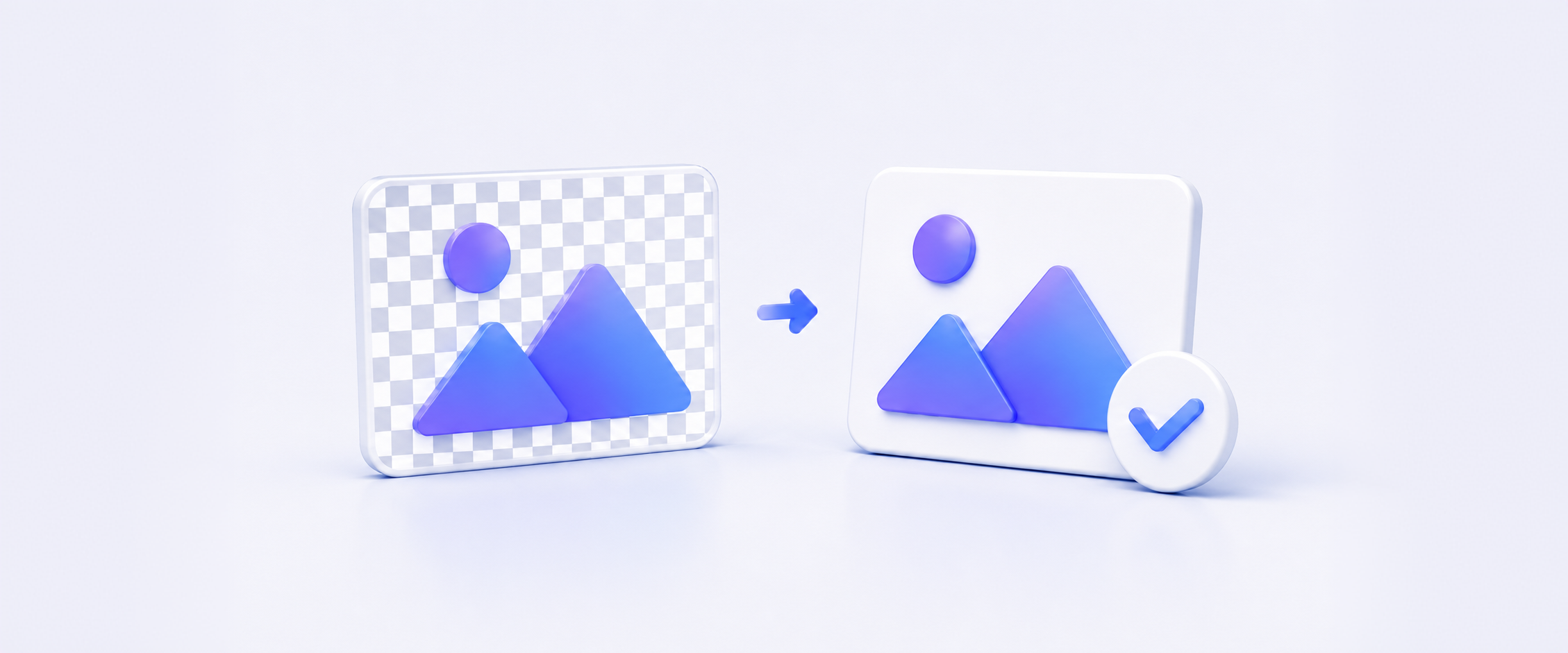
Replace transparent areas with a clean, solid white background.
Reduce file size while maintaining clear visual quality.
Keep the original width and height after conversion.
Convert PNG images to JPG in just a few simple steps. Upload your files from your device or cloud storage, choose JPG as the output format, and download your converted images when ready.
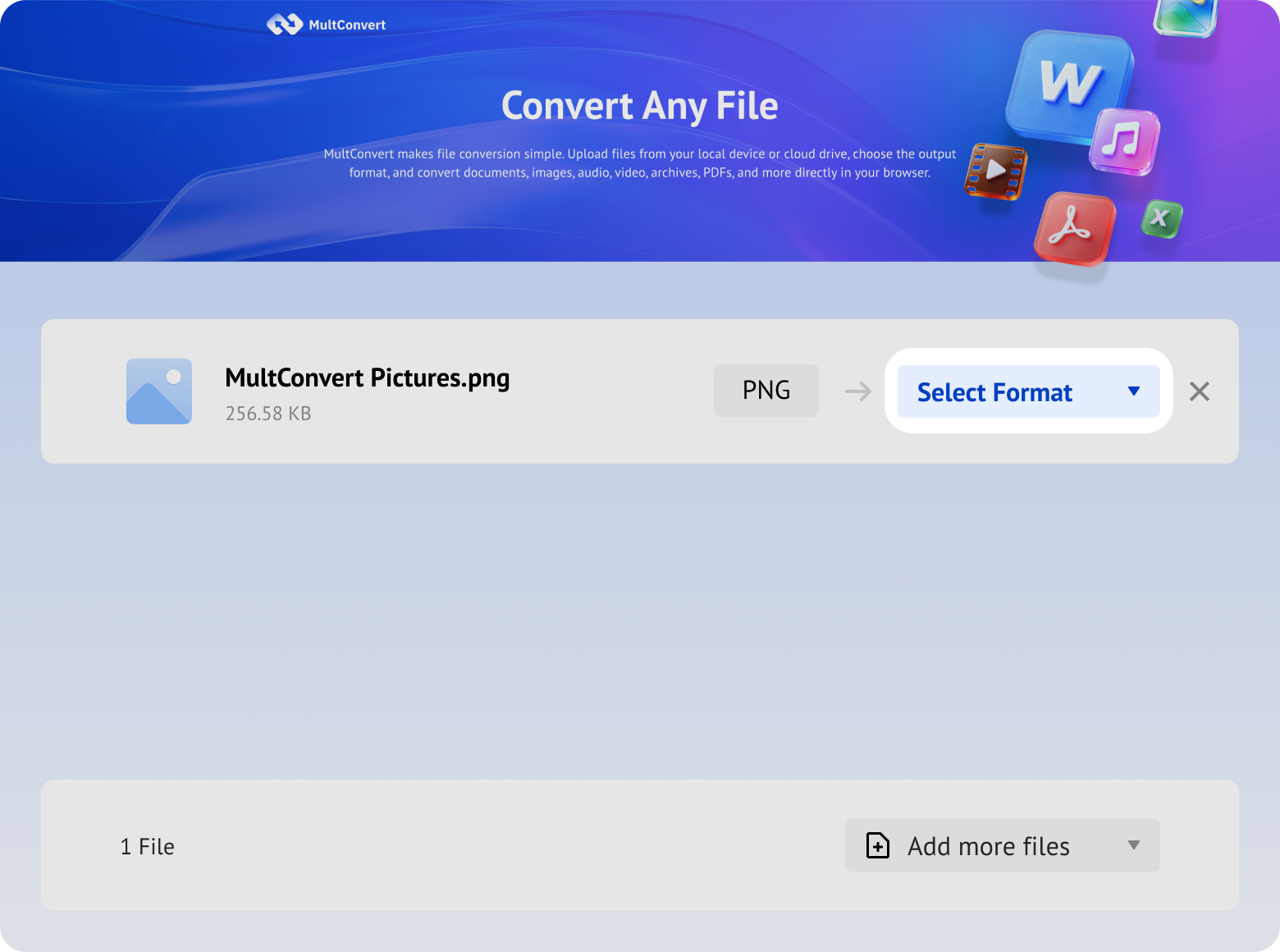
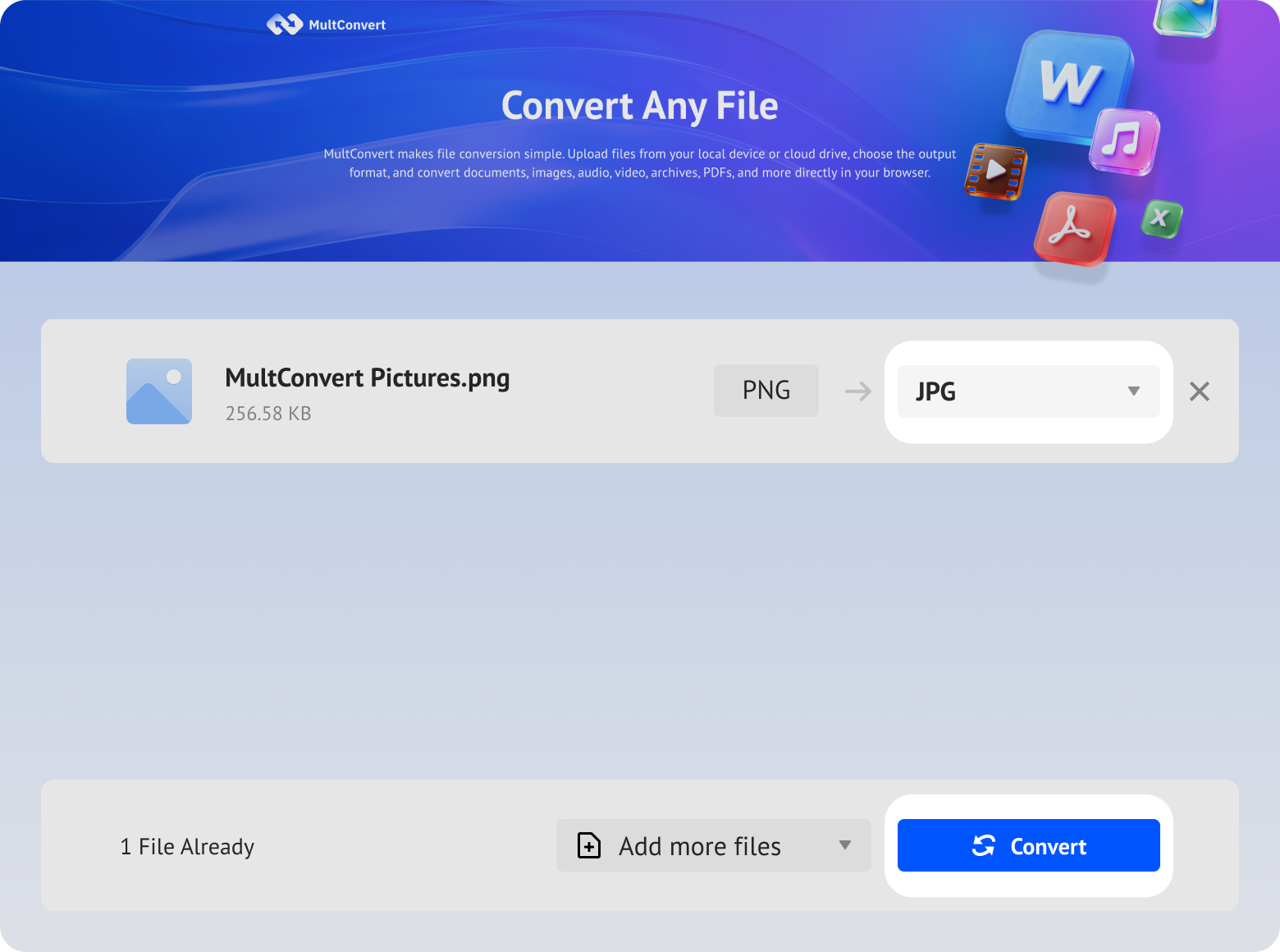
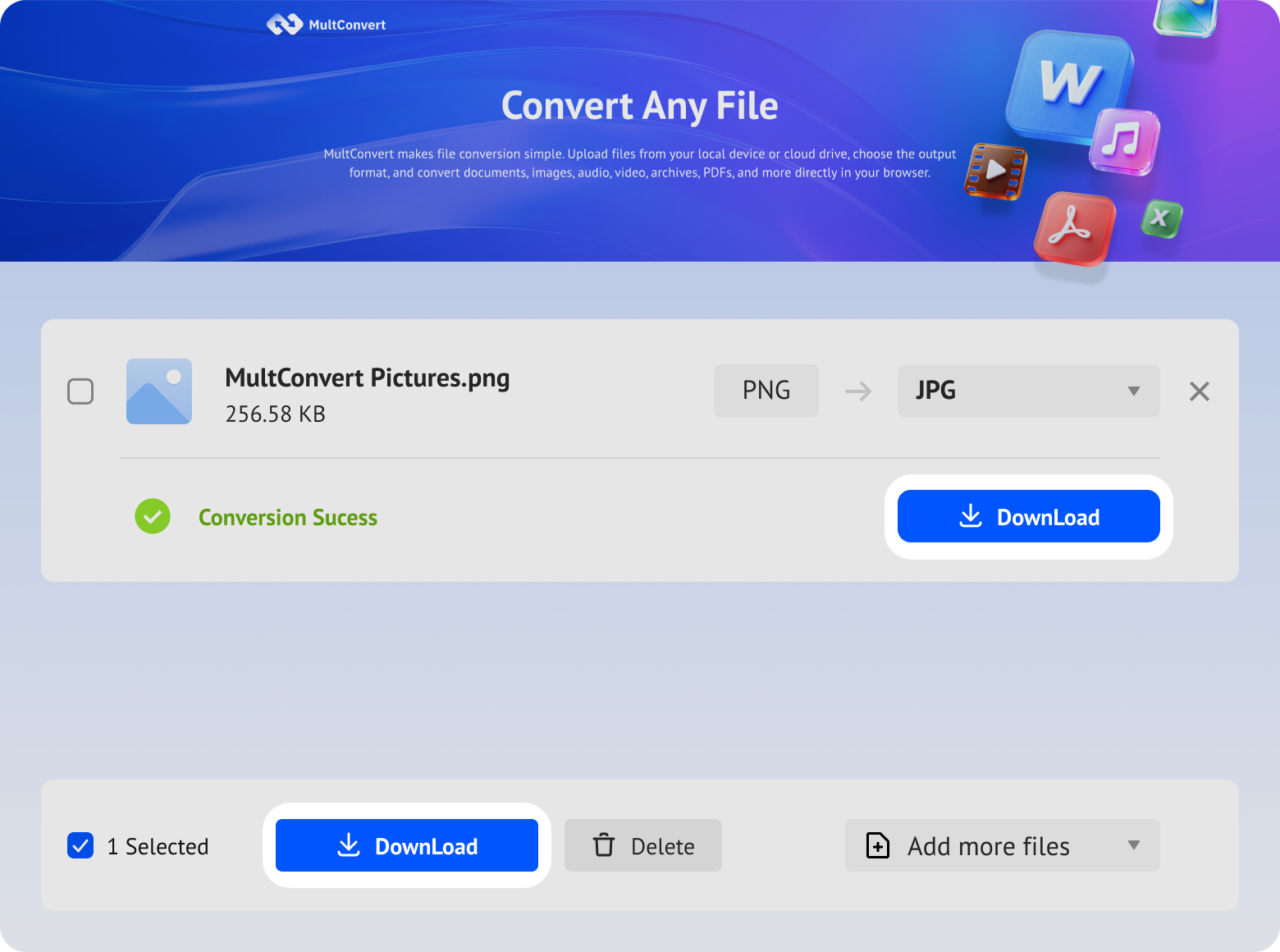
Upload PNG files from local storage, external drives, or cloud storage and convert to JPG in just a few clicks.
Files saved on a hard drive are ready to convert directly from your device.
Work with files stored on an SSD without moving them first.
Plug in a USB flash drive and convert your files on the spot.
Convert camera files straight from an SD card when you need them.
Access files from Google Drive and start converting without an extra download step.
Pull files from Box and move straight into conversion.
Convert files stored in Dropbox without downloading them first.
Use OneDrive files directly for a faster conversion flow.
Converting PNG to JPG applies lossy compression, which selectively removes pixel data invisible to the human eye. While you achieve up to 75% file size reduction, the visual quality remains almost identical.

400*600 px
Original dimensions
400*600 px
Dimensions retained
100% — No pixel dimension change Keep the original satisfying resolution
230 KB
Lossless, full pixel data
53 KB
Compressed, 77% smaller
≈77% reduction — Significant size drop with minimal visual loss
32-bit RGBA
Full alpha channel
24-bit RGB
No alpha support
8-bit alpha channel removed — Optimized for web speed
Transparent
Alpha transparency
Solid White
Auto-filled
Transparent areas automatically replaced with solid white background
Choose PNG when image quality or transparency matters. Choose JPG when you need a smaller file size for sharing, websites, or storage.
Changing a PNG image to JPG involves more than switching file formats. Depending on the image, you may notice differences in transparency, compression, and edge sharpness after conversion.
JPG does not support transparency. If your PNG image contains transparent areas, they will be replaced with a white solid background after conversion.
JPG reduces file size by compressing image data. For most photos and detailed images, this means a much smaller file with little visible difference in quality.
Fine text, logos, and sharp edges may appear slightly softer after conversion because JPG compression is designed for photos rather than high-contrast graphics.
PNG is ideal for images that need transparency and lossless quality, but JPG is often a better choice when you need smaller file sizes, wider compatibility, or easier sharing. Here are some common situations where converting PNG to JPG can help.
Convert large PNG files into smaller JPG images to save storage space, speed up uploads, and make files easier to manage.
Some websites, forms, and online platforms prefer or require JPG files. Converting PNG images helps you meet these upload requirements.
Smaller JPG files are easier to attach to emails and send through messaging apps with fewer file size restrictions.
Convert PNG images to JPG for smoother uploads and better compatibility across popular social media platforms.
Smaller JPG images can help reduce page load times and improve website performance while keeping images visually similar.
JPG is supported by most websites, apps, and devices, making it a practical choice when you need a more widely compatible image format.
Your files are encrypted during upload and download, processed automatically, and removed after conversion. We never read, share, or store your documents longer than needed to complete the conversion.
Every file is protected with HTTPS/TLS encryption while it's uploaded and downloaded.
Temporary files are automatically removed after processing to help protect your privacy.
Your files are processed automatically and aren't manually viewed or accessed by our team.
Built with modern privacy practices in mind, including data handling principles aligned with GDPR expectations.
Testing Notes:
Tests were performed using PNG files with different content types, including photos, digital artwork, product images, poster, and transparent graphics. Each file was converted individually through the same PNG to JPG conversion process. Results may vary depending on image content, file size, and network conditions.

PNG files can be converted to JPG in several ways beyond online tools. From built-in apps to desktop software, these methods offer different options for users who prefer offline conversion or more control over the process.
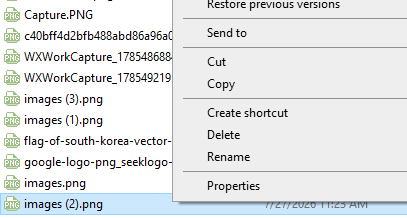
The simplest way some users try is to rename the file extension from PNG to JPG.
Right click on the PNG file and choose "Rename".
Replace the .png extension with .jpg.
Press "Enter" to save the change.
Need a different PNG output? If JPG is not the format you need, MultConvert also offers other PNG conversion tools for different workflows. Choose the output that fits what you want to do next: edit it, share it, or turn it into a document.
No. You can convert PNG images to JPG up to 20 files per day using MultConvert without creating an account or signing up. Simply upload your file, choose JPG as the output format, and download the converted image when the process is complete.
Upload your PNG images and see the magic happen — free, private, instant.









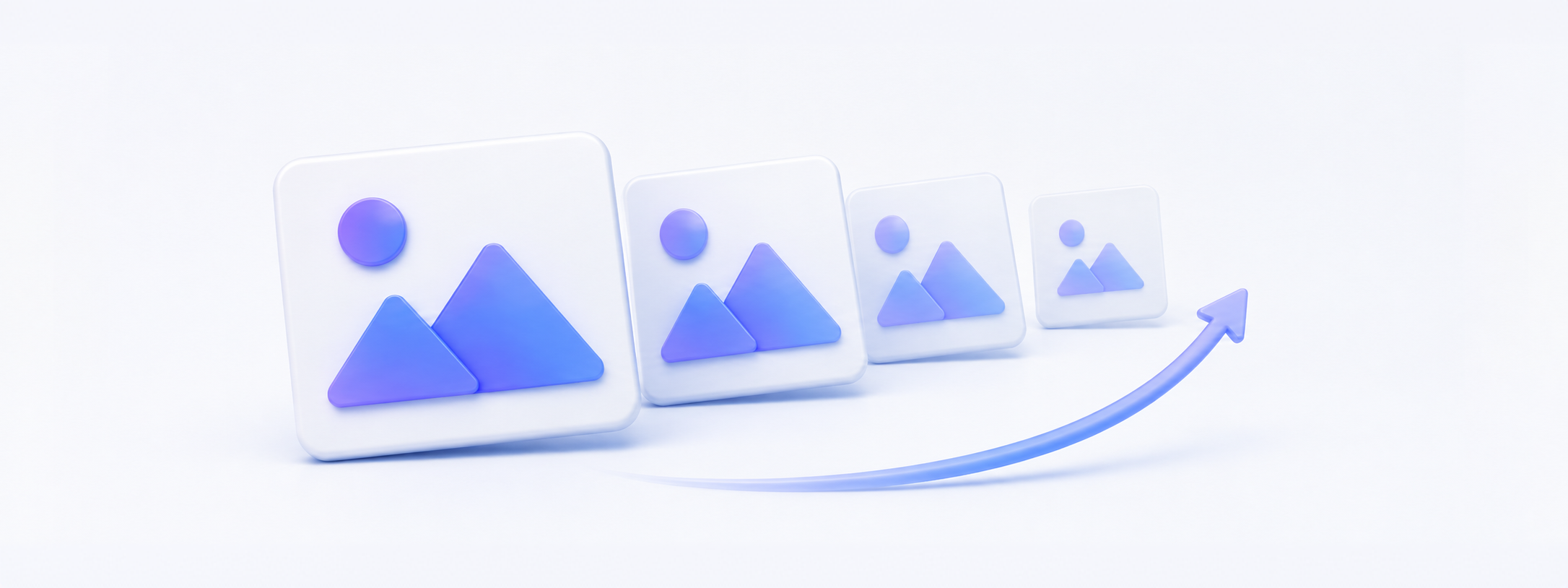




 1-Click Batch Conversion


