

NoCost-
Convert GIF to MP4 completely free, with no hidden charges.
Upload one or multiple GIFs and turn them into MP4 videos right in your browser. Finish the conversion in just a few clicks—no account, installation, or technical skills needed.
Whether you're converting a single animation or a batch of GIFs, MultConvert makes the process straightforward while delivering practical MP4 videos ready for sharing, uploading, editing, and everyday use.
Convert GIF to MP4 completely free, with no hidden charges.
Start converting instantly without creating an account.
Enjoy a clean, distraction-free conversion experience every time.
Convert files directly in your browser without installing software.
Your files are securely processed and automatically deleted.
Convert multiple GIF files to MP4 in a single session.
Import GIF files directly from your cloud storage accounts.
Often creates smaller files for typical GIF animations.
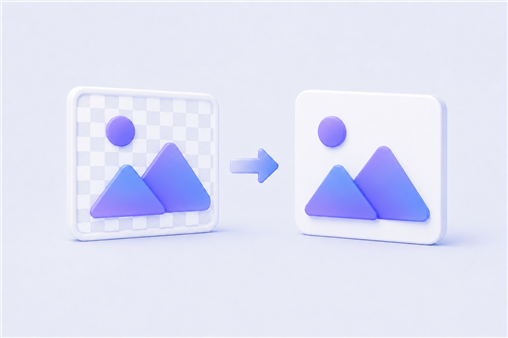
Fills transparent GIF areas with white automatically.
Enjoy fluid video playback after converting your GIF.
Bring your GIFs to MultConvert and turn them into MP4 videos in just a few simple steps, making your animations easier to work with as standard video files.
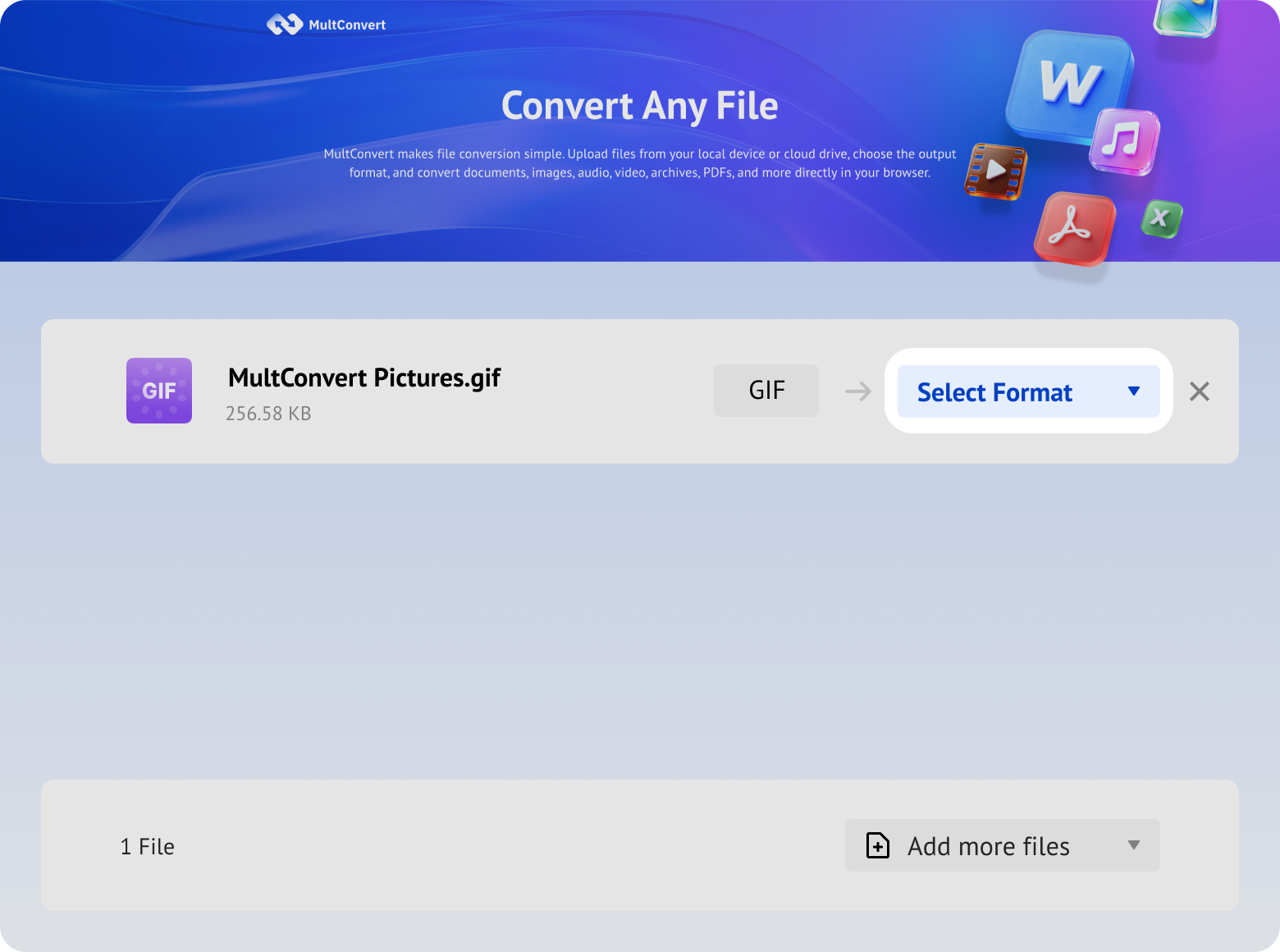
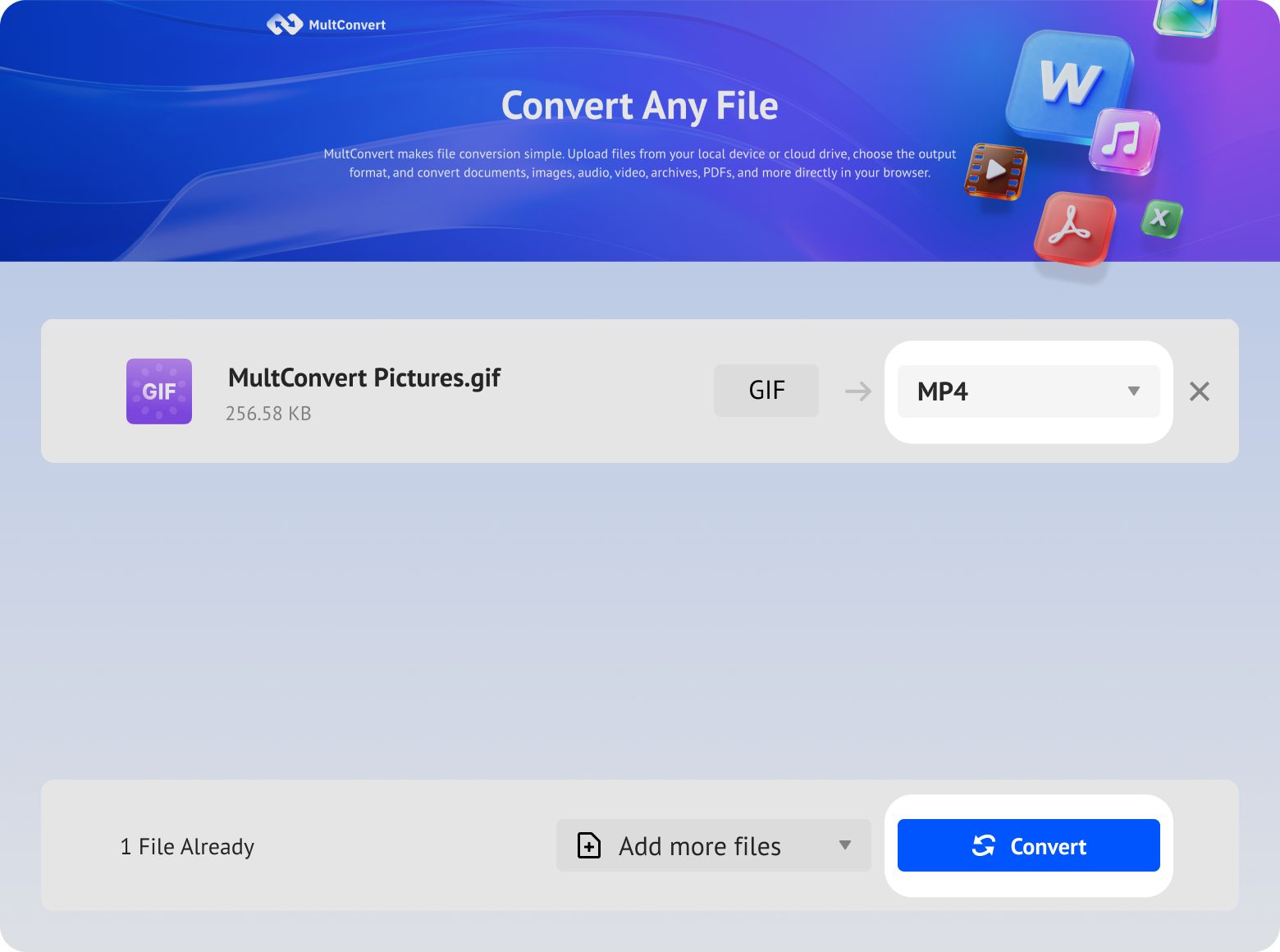
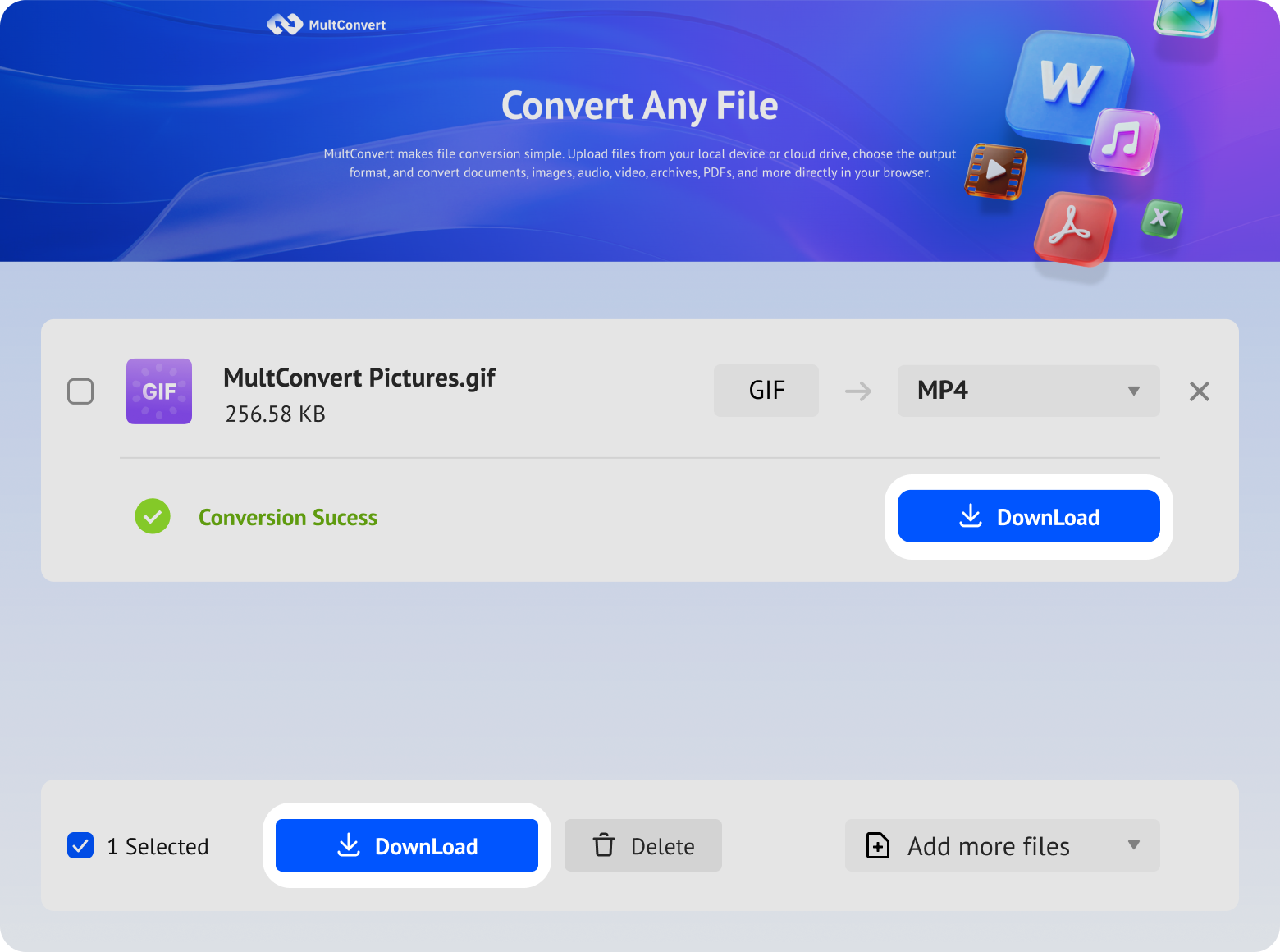
Upload GIF files from local storage, external drives, or cloud storage and convert to MP4 in just a few clicks.
Files saved on a hard drive are ready to convert directly from your device.
Work with files stored on an SSD without moving them first.
Plug in a USB flash drive and convert your files on the spot.
Convert camera files straight from an SD card when you need them.
Access files from Google Drive and start converting without an extra download step.
Pull files from Box and move straight into conversion.
Convert files stored in Dropbox without downloading them first.
Use OneDrive files directly for a faster conversion flow.
Your files are encrypted during upload and download, processed automatically, and removed after conversion. We never read, share, or store your documents longer than needed to complete the conversion.
Every file is protected with HTTPS/TLS encryption while it's uploaded and downloaded.
Temporary files are automatically removed 10 hours after processing to help protect your privacy.
Your files are processed automatically and aren't manually viewed or accessed by our team.
Built with modern privacy practices in mind, including data handling principles aligned with GDPR expectations.
GIFs are great for quick animations, but they aren't always the best fit for what comes next. MP4 opens up more possibilities for how that content can be used.
MP4 compression often produces a much smaller file than GIF, making animated content less demanding on storage and bandwidth.
MP4 fits naturally into video-based workflows, making your animation easier to use with video players, editors, presentations, websites, and other applications that work with video.
GIF works well for short, looping animations, but longer GIFs can become cumbersome to load, share, navigate, and manage. MP4 provides a more practical way to handle longer animated content as video.
After conversion, your animation can enter a standard video editing workflow where you can trim clips, add audio or captions, apply transitions, and combine it with other footage.
| Aspect | Original GIF | Converted MP4 | Test Result | |
|---|---|---|---|---|
| File Size | 15.7 MB | 724 KB | Significantly smaller | |
| Resolution | 720 X 720 | 720 X 720 | Dimensions remained unchanged | |
| Duration | 5 sec | 5 sec | Original duration was maintained | |
| Transparency | Transparent | White background | Transparent areas became white | |
| Audio | No audio | No audio | No audio was added | |
| Playback Type | Animated image | Video | Animation became video playback |
Your converted MP4 should still look familiar, but GIF and video don't behave exactly the same. A few subtle differences may become noticeable during playback.
Your MP4 may not automatically repeat like the original GIF. Looping after conversion depends on the video player or platform.
GIFs can assign different display times to individual frames. During conversion, these timings are mapped onto a video timeline, which may introduce subtle pacing differences.
MultConvert fills transparent areas of the original GIF with white when creating the MP4 video.
Video encoding may subtly affect fine details, gradients, or moving edges, though the difference can be hard to notice at normal size.
Two GIFs can go through the same conversion process and still produce different MP4 results. The characteristics of each source animation play an important role in shaping the final output.
The MP4 can only work with the visual information available in the original GIF. Existing blur, artifacts, or lost detail cannot be restored through conversion.
The source width and height influence video encoding. Some GIFs retain their dimensions, while others may require minor adjustments during conversion.
Fast movement, frequent changes, gradients, and fine details require more information to encode than simple or mostly static scenes.
Longer animations contain more frames and visual information to encode, which can influence the resulting file size.
GIF frames, timing, and visual information must be translated into video. The encoding process helps determine the final balance of size, appearance, and playback.
Not every animation needs the same treatment. Your publishing platform, editing plans, playback needs, and visual requirements can all shape the better format choice.
Great for quick reactions, memes, and visual responses that only last a few seconds.
Keep GIF for content designed to repeat continuously without requiring the viewer to restart it.
A better fit for animated logos, stickers, icons, or graphics where transparent areas need to remain transparent.
Useful when you want an animation to appear directly in a supported email, chat, forum, or messaging environment without video controls.
Both formats can work on the web. GIF is convenient for short, simple loops, while MP4 may be a better fit for longer or more complex animated content.
MP4 becomes more practical when an animation grows longer and starts behaving more like conventional video content.
Convert when you plan to trim clips, add music or captions, combine footage, or continue working in a video editor.
Choose MP4 when preparing your animation for video-oriented publishing workflows such as social posts or video platforms.
MP4 is better suited when viewers need to play, pause, seek, or navigate through the content using a video timeline.
A GIF that works perfectly in one place may not fit the upload options somewhere else. Converting it to MP4 gives the same animated content a standard video format for video-based destinations.
Turn your GIF into a standard video file for video-first platforms and publishing workflows such as Instagram, YouTube, and TikTok.
Share animations as MP4 on Discord, Slack, forums, or online communities when GIF size, upload limits, or playback behavior becomes inconvenient.
Use MP4 on blogs, landing pages, and CMS media libraries when a page component expects video or places restrictions on animated GIF uploads.
Bring your animation into video editors and content-creation tools as MP4, making it easier to place on a timeline and continue editing.
Add your animation as video to slides, training materials, or demos when you need video-based playback and presentation controls.
Export GIF to MP4 for forms, learning platforms, or project portals when an upload field accepts video files but not animated GIFs.
Work with GIFs in more ways by converting them to other image formats or creating GIF animations from popular video files for different projects and uses.
Not with MultConvert. MP4 does not handle transparency in the same way as GIF, and MultConvert fills transparent areas with a white background during conversion. If transparency is essential to your animation, keeping the GIF or choosing another transparency-capable format may be a better option.
Ready to turn your GIFs into MP4 videos? Upload your files and start converting with MultConvert now.