100% Free-
Zero cost, no hidden fees, and generous conversion quota.
Fast, free, and secure. Transform each page of your PDF into an individual, high-resolution PNG image with no registration required.
Zero cost, no hidden fees, and generous conversion quota.
Convert instantly without creating an account or email.
Works entirely in your browser—no downloads or extensions needed.
Get clean, high-quality images with zero added logos.
Converts text and vector graphics with pixel-perfect precision and zero blur.
Fills transparent PDF areas with solid white for clean document preview and archiving.
Upload and converts multiple PDFs at once and downloads them in a single ZIP file.
Works seamlessly on iOS, Android, Mac, and Windows directly through any web browser.
Easily convert up to 20 files daily, with a generous 1 GB maximum size per file limit.
Import files from mainstream cloud services like Dropbox, Google Drive, OneDrive and Box.
No software. No account. No watermark. No payment step after conversion. Upload your PDF files, choose PNG as the output, and download clean images that keep transparency, stay clear, and work across more tools and platforms.
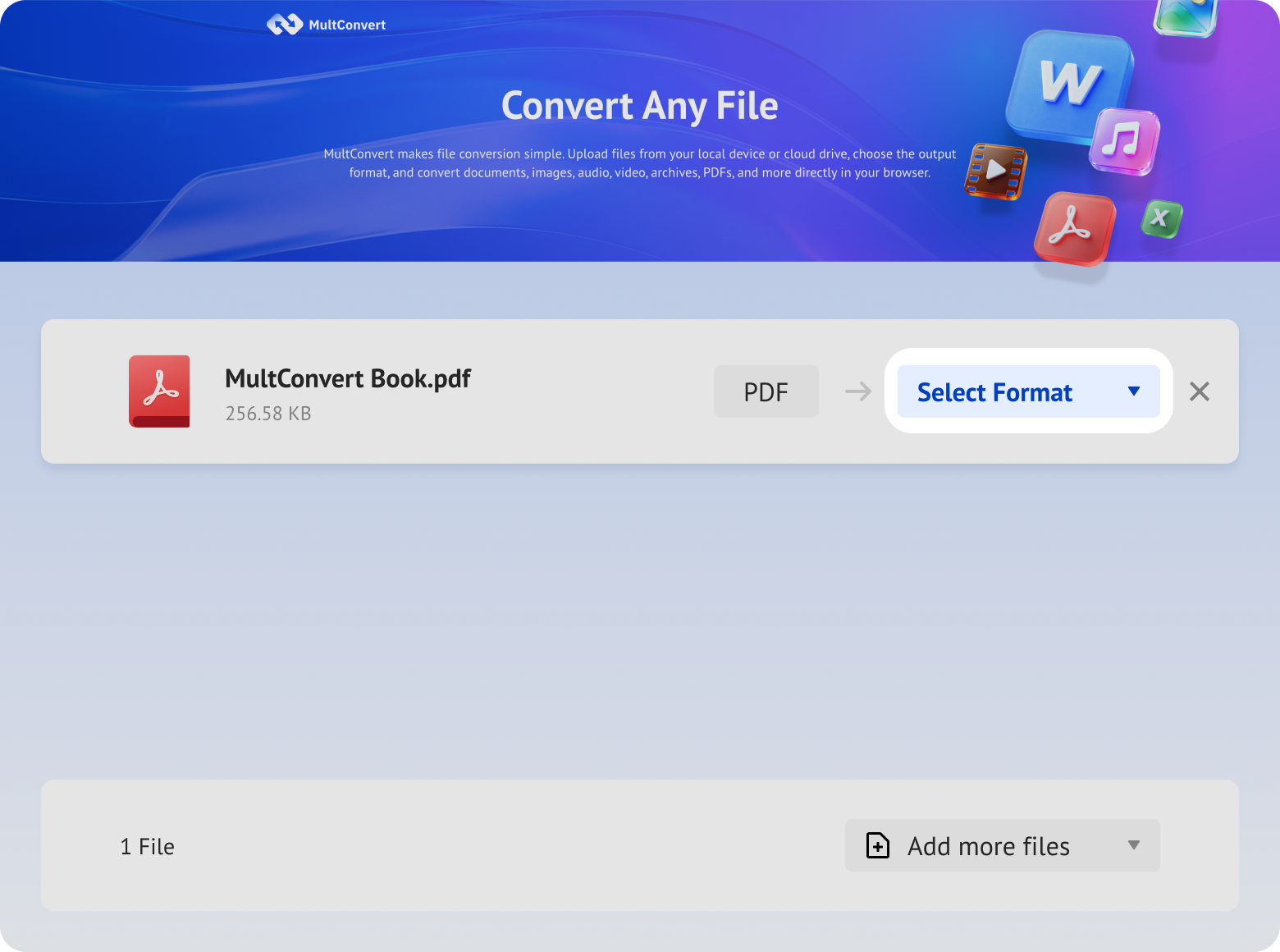
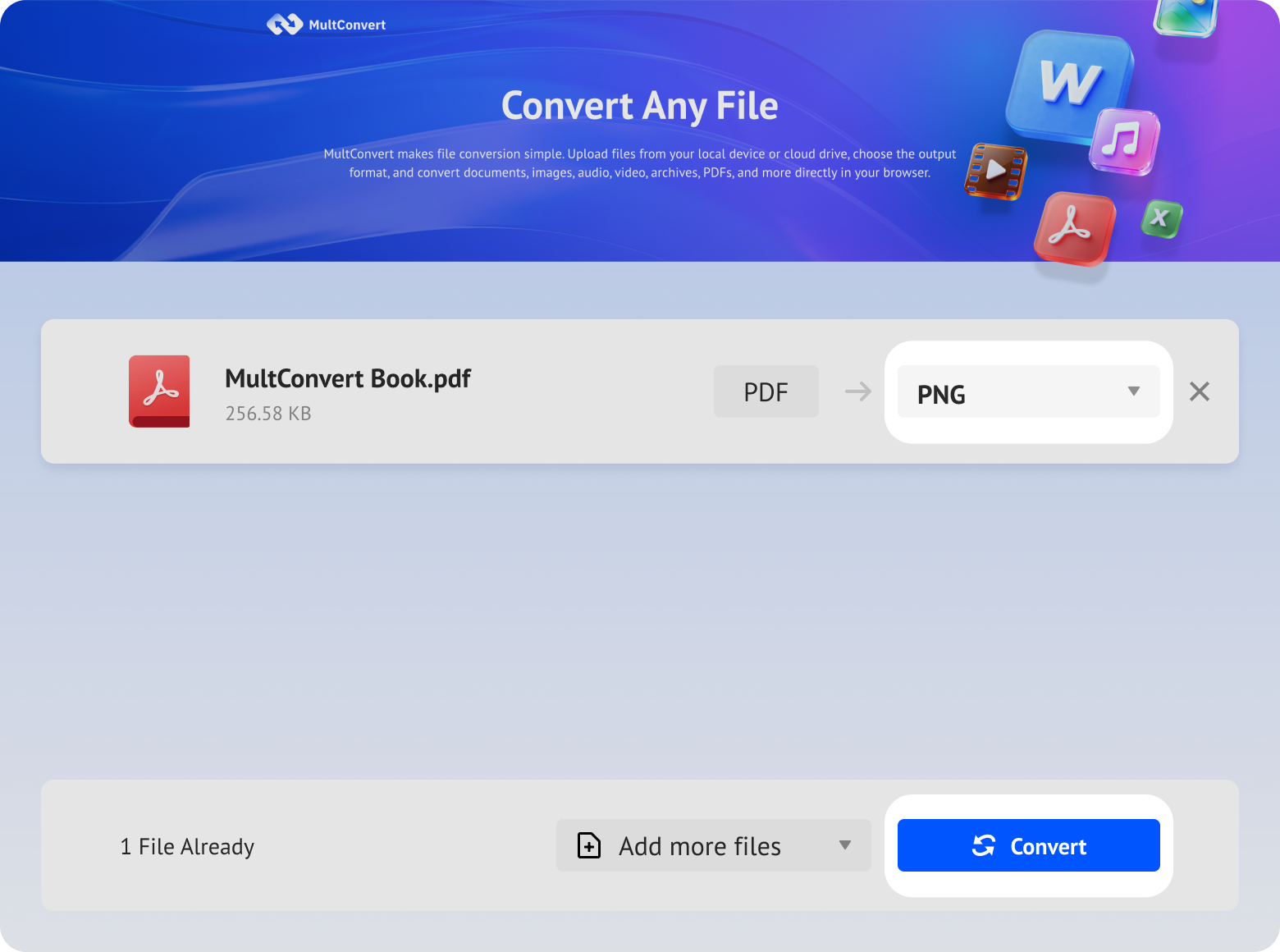
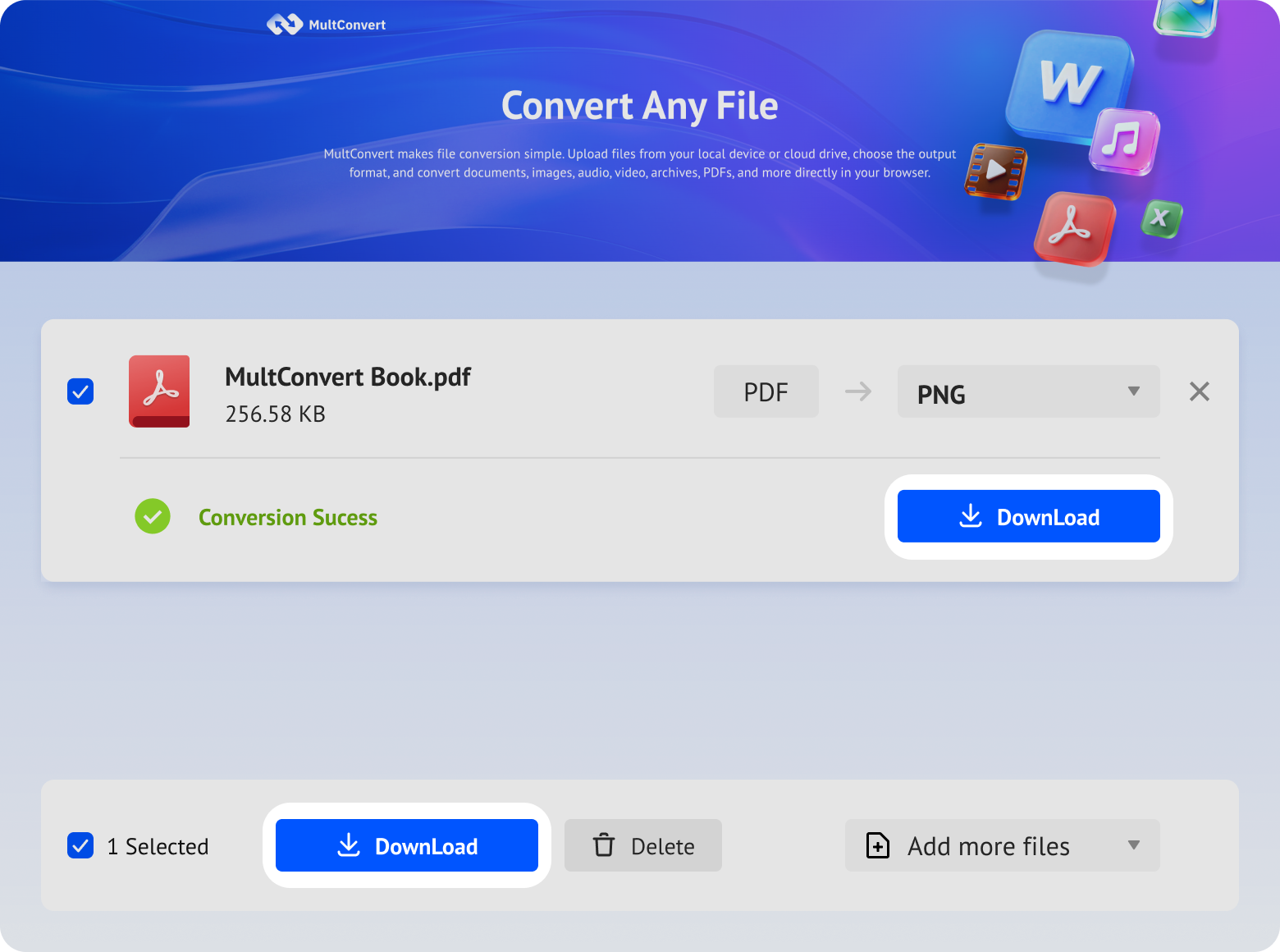
Import PDFs seamlessly across your local hardware, external media, and major cloud platforms with zero extra file transfers.
Transform legacy documents stored on local hard drives straight into PNG format.
Process ultra-large PDF files at lightning speed using your high-speed SSD.
Turn portable scans on your thumb drive into sharp images directly.
Extract camera-generated PDF scans straight from memory cards on demand.
Fetch Google Drive PDFs instantly for cloud-to-cloud image processing.
Streamline document workflows by grabbing files stored in Box directly.
Skip local downloads altogether by converting Dropbox PDFs right on the web.
Bridge your Microsoft OneDrive files straight into high-resolution PNG outputs.
PDF documents often contain confidential text, contracts, financial reports, or personal records. MultConvert protects your files throughout every step of the PDF-to-PNG conversion process.
All PDF uploads and PNG downloads are shielded using enterprise-grade HTTPS/TLS protocols to prevent data interception.
Uploaded PDFs and converted PNG images are automatically purged from our servers shortly after processing.
Our system architecture strictly adheres to GDPR requirements and global data privacy standards, giving you complete control over your document security.
Converting a PDF to a PNG is a common requirement across design, web development, office workflows, and everyday file sharing.
Converting official PDF contracts, invoices, or vector brand assets into transparent PNGs removes the white background. This allows designers to overlay signatures, company seals, and logos directly onto marketing graphics, Canva templates, or site footers.
Social networks like Facebook, Instagram, and chat apps cannot render raw PDF pages inline—they only display a plain file attachment. Converting PDF pages into PNG images lets you share certificates, charts, or flyers directly into feeds and group chats for instant viewing.
Embedding vector PDFs into slides often triggers missing-font glitches, shifted margins, or broken vector paths. Turning PDF charts or report pages into flattened PNGs guarantees pixel-perfect rendering across all presentation software without layout shifts.
When sending signed NDAs, price quotes, or scanned records, converting the PDF into a flattened PNG raster image locks the content completely. This prevents unauthorized users from selecting, copying, or modifying text and form fields using standard PDF editors.
Photo editing software like Photoshop, Illustrator, and Lightroom handles image formats far more naturally than multi-page document PDFs. Converting to PNG allows you to crop specific sections, apply filters, or retouch scanned pages without touching dedicated PDF tools.
| Test Scenario | Benchmark Input | MultConvert Result | Performance Metrics |
|---|---|---|---|
| Large File Speed | 20 MB PDF (50 Pages) | 30.2 Seconds | Avg. 0.60s per page processing |
| Transparency Test | Vector Logo PDF (No Background) | Auto-Filled with White | Flattened alpha channel; solid RGBA output |
| Font & Text Crispness | 6pt Micro-Text Legal Contract | 200 DPI High-Res | Zero blur or pixelation after raster |
| CMYK Color Accuracy | Print Design File (CMYK) | Visually Consistent RGB Output | No visible color shift after RGB conversion |
| Data Retention Audit | 20 Daily Test Batches | 100% Auto-Purged | Files wiped within 10 hours |
Which format should you choose when converting a PDF to an image - Pick the right format for your content.

PNG uses lossless compression, so it preserves sharp text, fine lines, logos, and other graphic details without adding compression artifacts. It also supports transparent backgrounds, making it a better choice for documents, illustrations, screenshots, and design files.
Heads-up: transparent backgrounds are exported as white with MultConvert.

JPG uses lossy compression to reduce file size, making it suitable for photographs, scanned documents, and image-heavy PDFs. However, repeated compression may reduce sharpness and create visible artifacts around text and edges. JPG also does not support transparency.
Follow these step-by-step guides to convert your PDFs to PNG images using the built-in tools on your Mac, Windows PC, iPhone, or Android device.
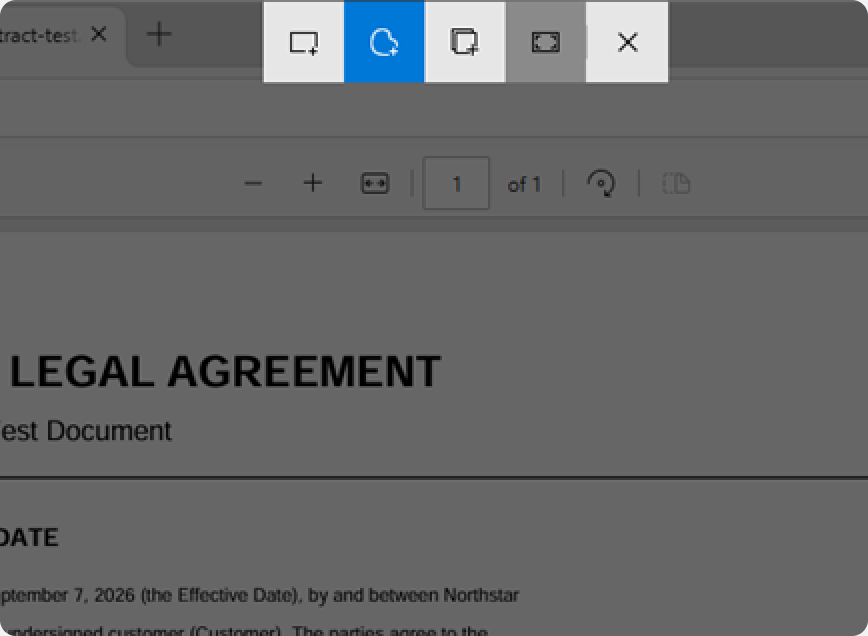
Right-click the PDF file, go to "Open with", and choose Microsoft Edge.
Press "Ctrl + Shift + S" to launch Web Capture, select Capture full page, and click the "Save" icon.
Edge saves the captured page directly into your Downloads folder as a PNG image.
Tip: built-in conversion works well for a few files. For batch jobs or cloud imports, use MultConvert instead.
Handle more file conversion needs with our collection of practical PDF tools. Whether you are preparing documents for editing, printing, archiving, or sharing, choose the converter that best fits your workflow and get reliable results in just a few clicks.





Yes. You can convert a multi-page PDF into separate PNG or JPG images in one operation. Each PDF page is exported as an individual image, with the original page order and layout preserved for easy viewing, sharing, or further editing.
Upload your PDF files and convert each page into a high-quality PNG in seconds, with sharp text and graphics well preserved.