NoCost-
Convert files freely without paying any fees.
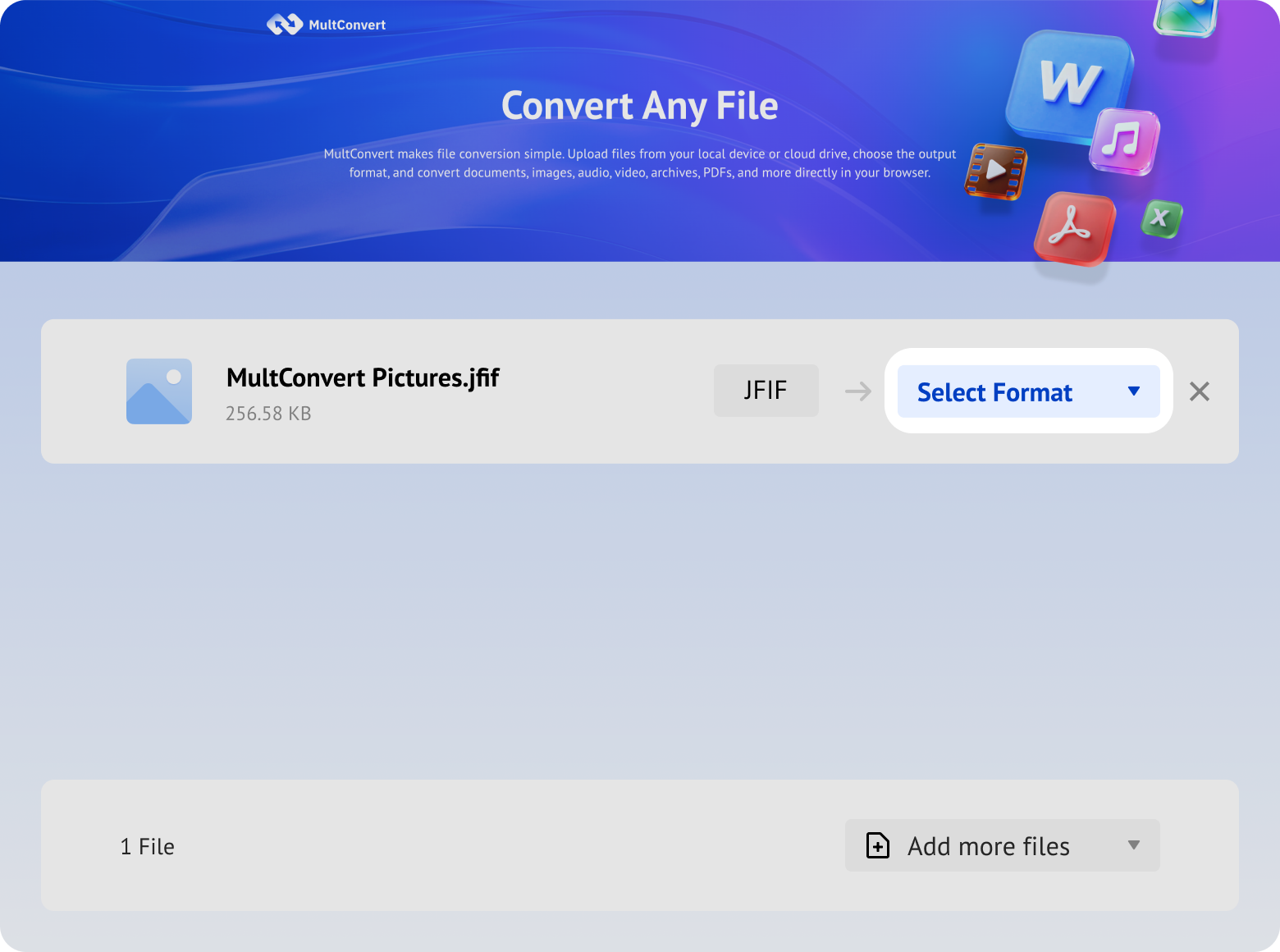
Got JFIF images that some websites or apps won't accept? Convert them to JPG for smoother uploading, sharing, editing, and everyday use.
Built for everyday image conversion, MultConvert combines batch processing, flexible uploads, secure handling, and straightforward downloads to make the whole process easier from start to finish.
Convert files freely without paying any fees.
Start converting instantly without creating an account.
Get clean JPG images without added watermarks.
No software to download, install, update, or maintain.
Access files directly from your cloud storage.
Convert multiple image files in a single task.
Files are securely handled and removed after conversion.
Works smoothly across all devices and operating systems.
Handle up to 20 files daily, with 1 GB per file.
Keeps your original image dimensions unchanged in most conversions.
Convert JFIF images to JPG online, process multiple files together, and download your results—all without extra software.
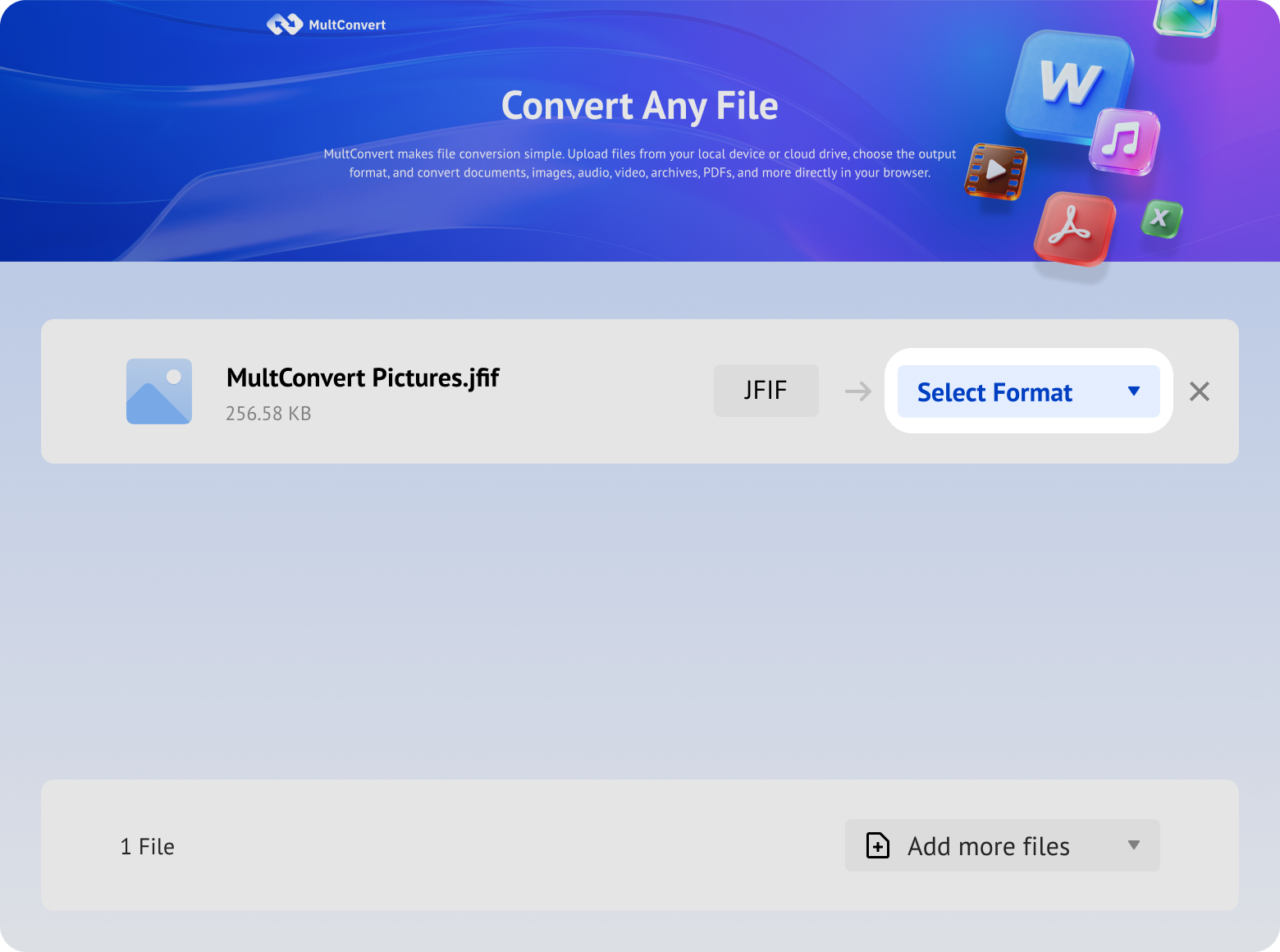
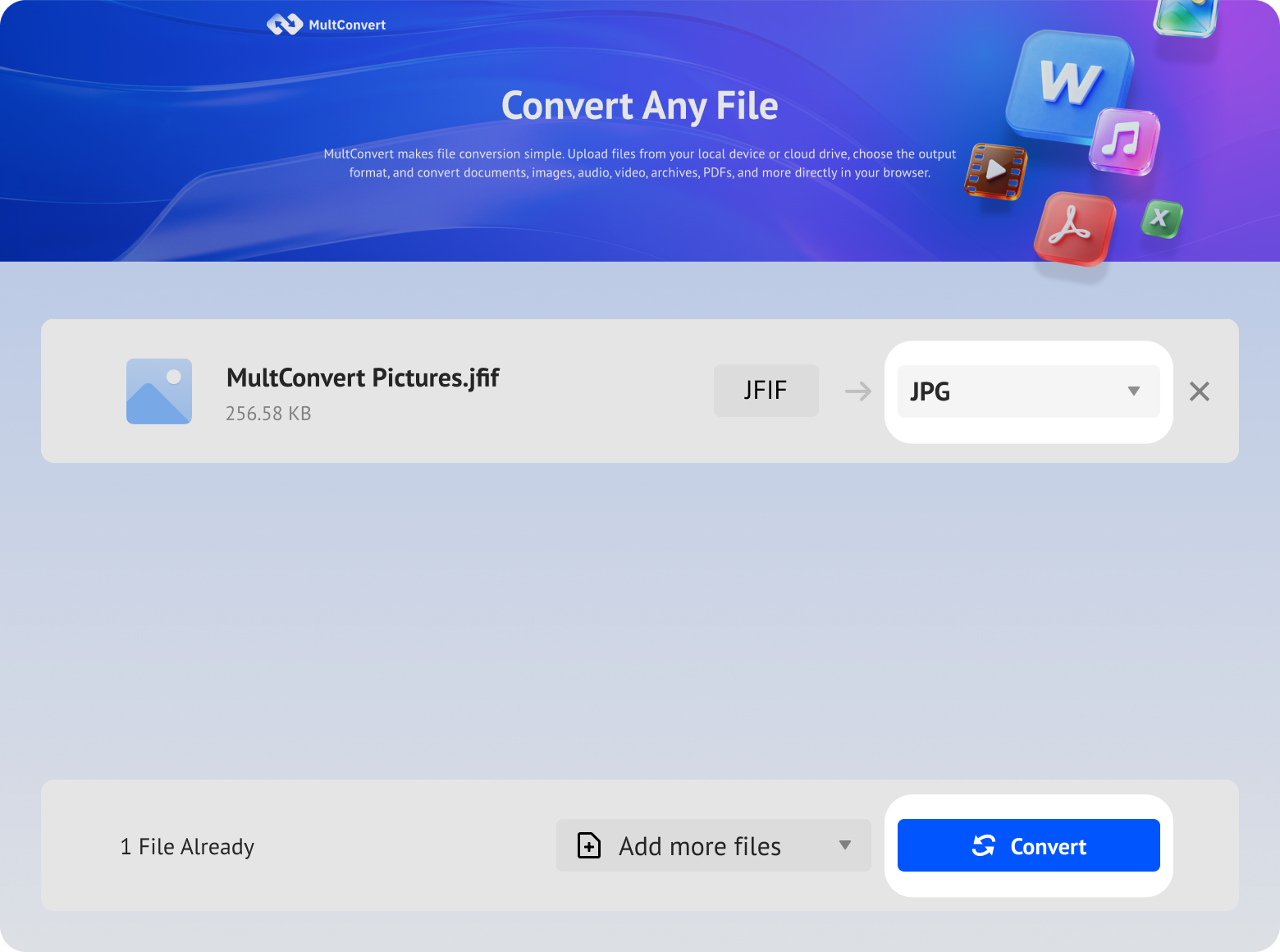
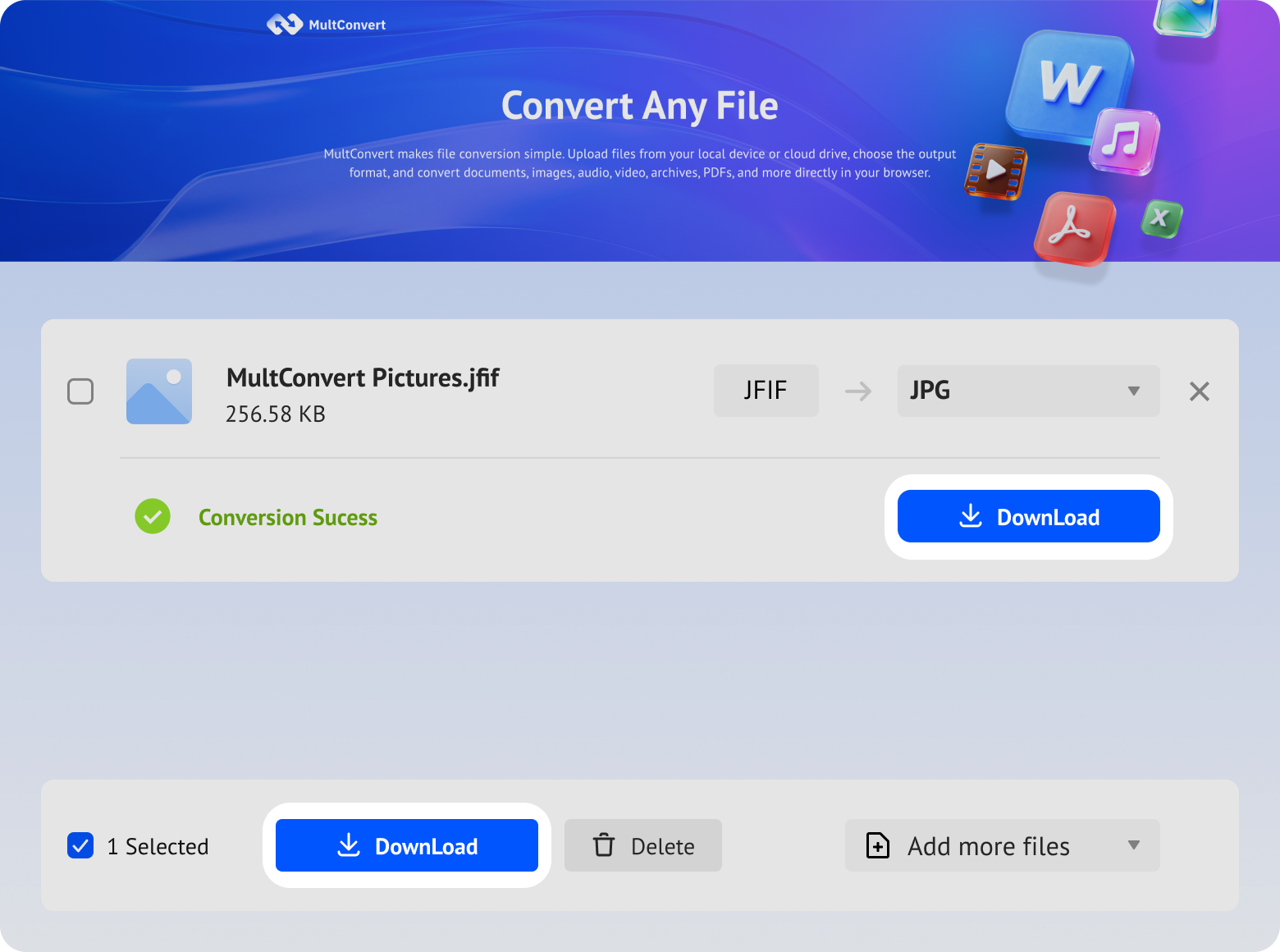
Upload image files from local storage, external drives, or cloud storage and convert to JPG in just a few clicks.
Files saved on a hard drive are ready to convert directly from your device.
Work with files stored on an SSD without moving them first.
Plug in a USB flash drive and convert your files on the spot.
Convert camera files straight from an SD card when you need them.
Access files from Google Drive and start converting without an extra download step.
Pull files from Box and move straight into conversion.
Convert files stored in Dropbox without downloading them first.
Use OneDrive files directly for a faster conversion flow.
Your files are encrypted during upload and download, processed automatically, and removed after conversion. We never read, share, or store your files longer than needed to complete the conversion.
Every file is protected with HTTPS/TLS encryption while it's uploaded and downloaded.
Temporary files are automatically removed 10 hours after processing to help protect your privacy.
Your files are processed automatically and aren't manually viewed or accessed by our team.
Built with modern privacy practices in mind, including data handling principles aligned with GDPR expectations.
JFIF works well for many uses, but JPG offers broader compatibility and greater familiarity, making your images easier to upload, share, and use across different platforms and applications.
JPG is more widely accepted by websites, online forms, and platforms, helping you avoid upload issues caused by the less common JFIF extension.
The familiar .jpg extension is easier to recognize and works smoothly with common image editors, viewers, office apps, and other everyday software.
Share images across messaging apps, social platforms, and devices with fewer format concerns, thanks to JPG's broader support and familiarity among users.
JPG works consistently across common devices, operating systems, apps, and services, reducing format-related friction as your images move between different environments.
| Image Type | JFIF | JPG | Size Change | Conversion Time |
|---|---|---|---|---|
| Photo | 212 KB | 442 KB | ↑ 108.55% | 4 sec |
| Wallpaper | 351 KB | 599 KB | ↑ 70% | 3 sec |
| Landscape | 489 KB | 300 KB | ↓ 38% | 5 sec |
| Poster | 738 KB | 1.28 MB | ↑ 73% | 4 sec |
| Gradient Image | 110 KB | 214 KB | ↑ 94.5% | 3 sec |
Notes: Your converted JPG may be larger or smaller than the original JFIF due to differences in how the image is encoded and compressed. File size alone does not indicate image quality, and minor compression changes may not be noticeable during normal viewing.
MultConvert kept the dimensions, DPI, bit depth and metadata unchanged across our tested JFIF images, helping the converted JPGs maintain their intended display size, print settings, and color depth without introducing unnecessary changes to these properties.
Compare the original JFIF file with the converted JPG. Our conversion preserves pixel-perfect color depth and metadata while optimizing file size.

The converted JPG remained visually close to the original JFIF at normal viewing size in our test. Zooming in lets you inspect smaller differences that may not be noticeable at first glance.
JFIF and JPG aren't two completely different image formats. Both commonly contain JPEG-compressed image data, but JFIF follows a specific JPEG interchange format, while JPG is the more familiar file extension used for JPEG images. That's why they can look virtually identical even though JPG is generally easier to use across everyday apps, websites, and devices.
This usually occurs due to a corrupted or misconfigured Windows Registry setting. Browsers rely on the system registry to determine file extensions for MIME types; when the image/jpeg MIME type is assigned .jfif as its default extension, all JPEG downloads automatically inherit the .jfif extension.
No. A .jfif file is essentially a standard JPEG-encoded image. The only real issue is compatibility—many software apps, websites, and photo viewers fail to recognize the .jfif extension.
Three straightforward paths depending on whether you want a quick workaround or a permanent system cure.
Best for: Multiple files, stricter compatibility needs, or when renaming doesn't work.
MultConvert supports more than JFIF to JPG. Explore other image converters to switch between popular formats for sharing, editing, uploading, and more.





Yes, MultConvert is designed to process your JFIF files securely during conversion. We do not manually access or download any files you upload, and your images are automatically deleted 10 hours after the conversion is complete.
Convert your JFIF images to JPG with MultConvert now—fast, simple, and ready for wherever you need them next.









 Preferred