NoSignup-
No account needed. Start converting your MP4 files right away.
Turn MP4 videos into high-bitrate MP3 tracks instantly. Batch convert local files or extract audio directly from your cloud storage in 1 click.
Turn MP4 videos into high-quality MP3 audio instantly, with no signup, installation, plugins, and no watermark.
No account needed. Start converting your MP4 files right away.
Use it directly in your browser — no downloads or setup.
Everything works online without browser add-ons.
Your MP3 files stay clean and ready to use.
Extract crisp, clean MP3 audio optimized for perfect balance. Enjoy clear vocals and balanced sound while keeping file sizes small and easy to share.
Convert multiple MP4 videos into MP3 tracks in one go. Save time by downloading all your audio files in a single click without repetitive steps.
Import MP4 videos directly from Google Drive, Dropbox, OneDrive, or Box, extract the audio as MP3, and download them back to your local storage.
Extract MP3 audio from MP4 in just seconds. Enjoy a smooth, browser-based experience with zero installation, zero lag, and no extra setup needed.
Convert up to 20 files daily for free, making it easy to handle full-length movies or long recordings.
Your privacy is guaranteed with end-to-end encryption. Uploaded MP4s and extracted MP3s are automatically purged from our servers within 10 hours.
Drop one or many – all convert to MP3. Per-row progress, batch convert, ZIP download.
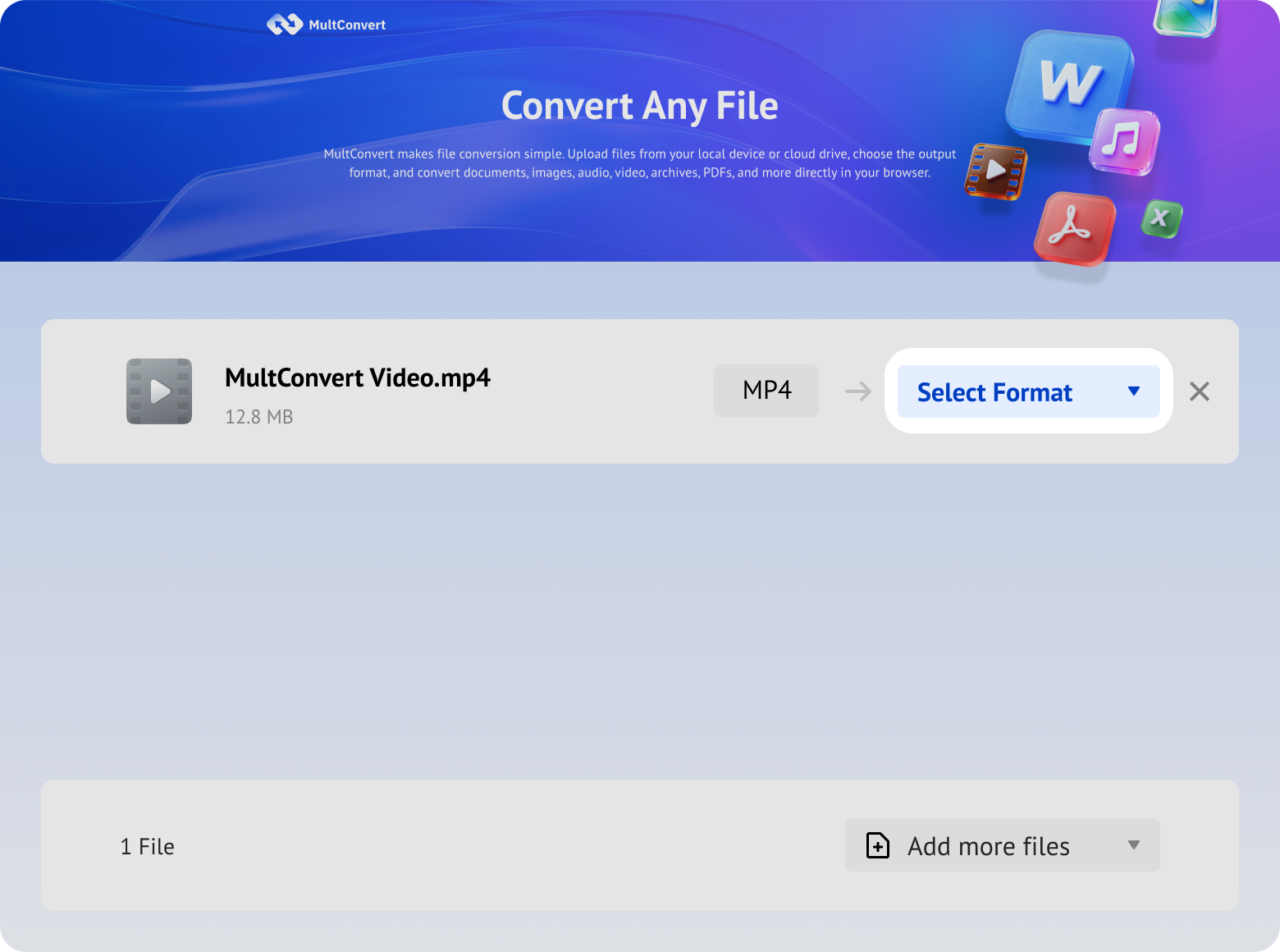
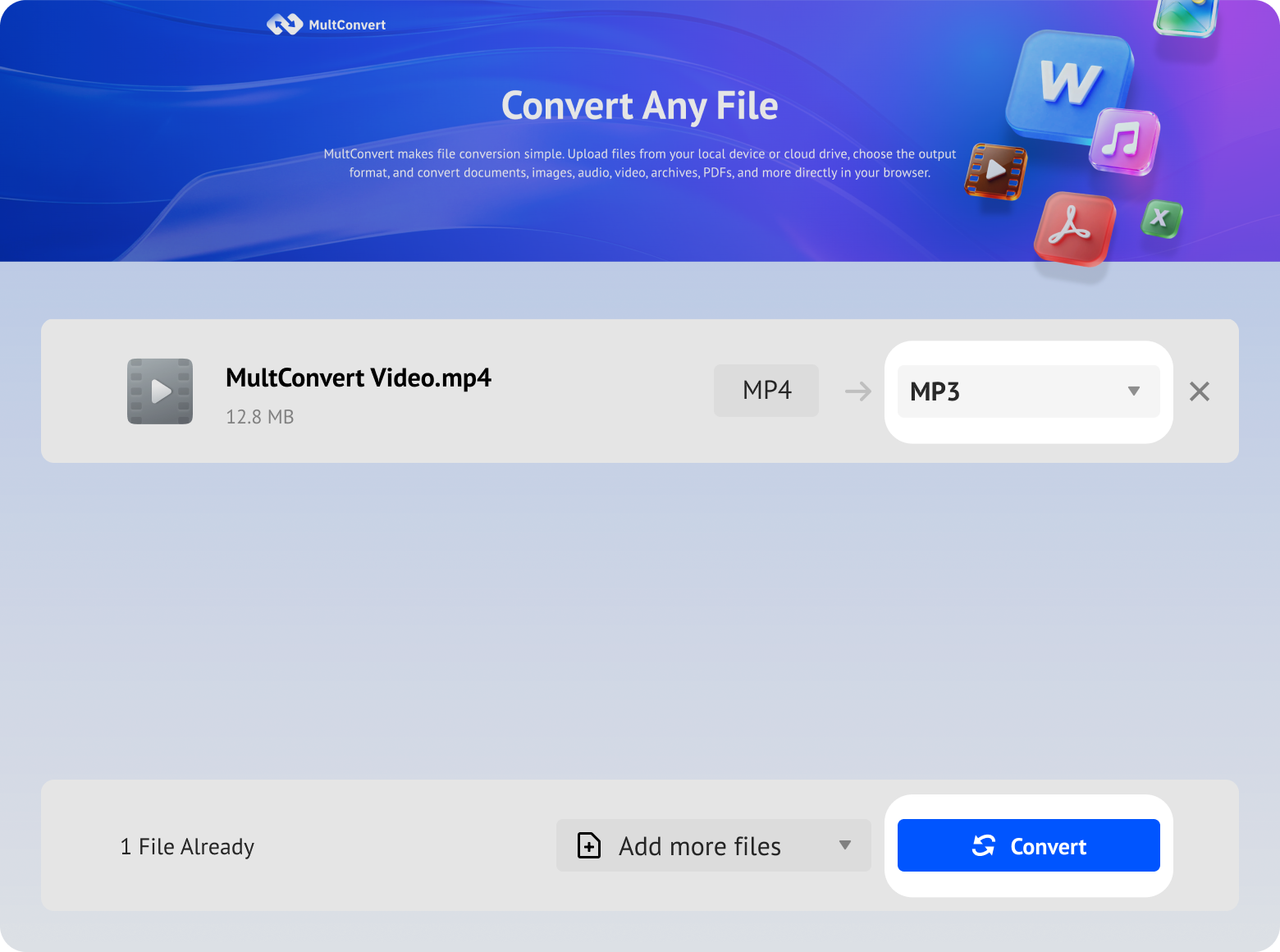
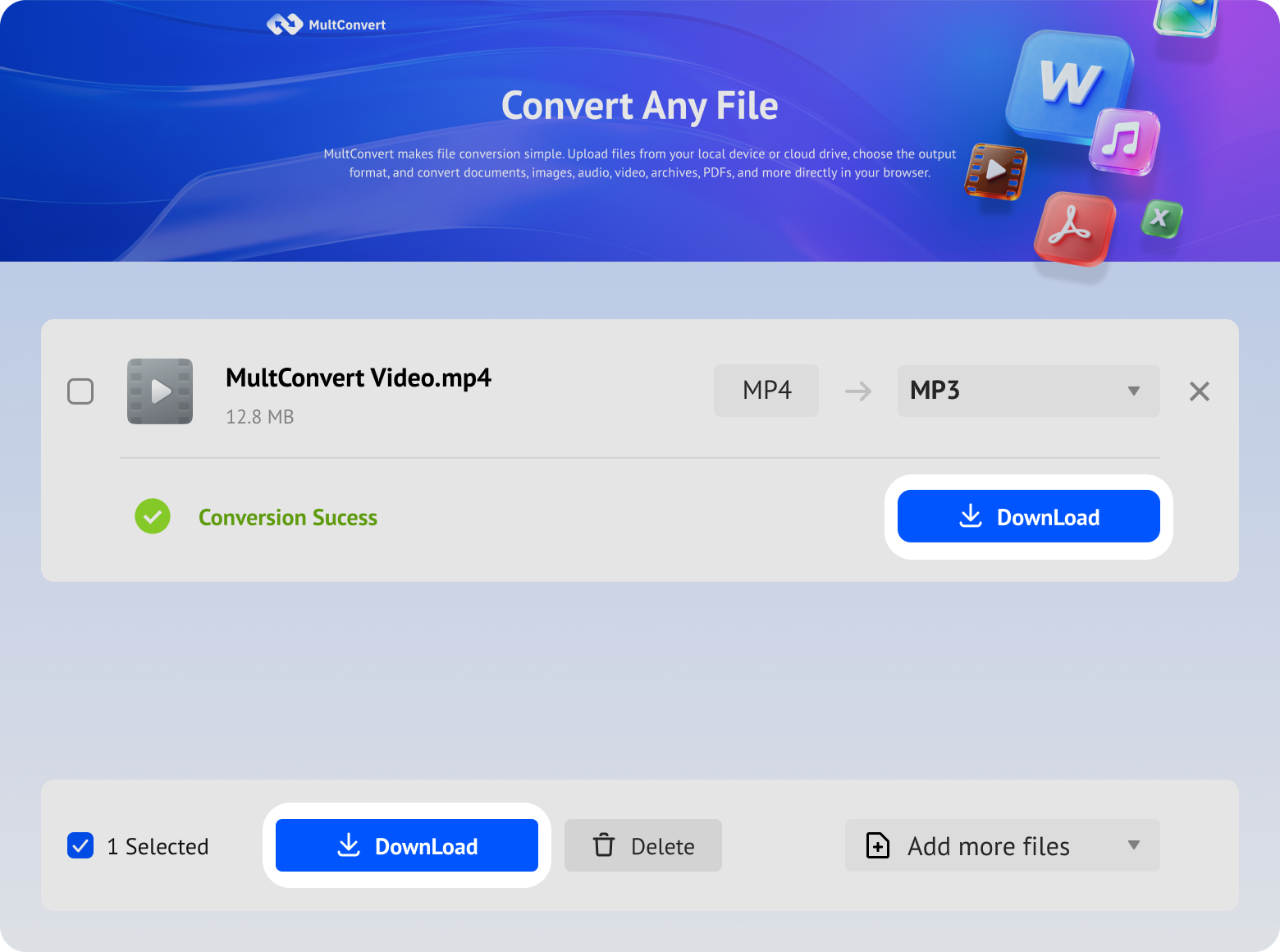
Upload MP4 videos from your computer, external drives, or cloud storage and extract high-quality MP3 audio in just a few clicks.
Convert MP4 videos saved on your local hard drive directly from your computer.
Extract MP3 audio from large MP4 files on your SSD quickly without moving them first.
Plug in your USB drive and extract MP3 audio files right on the spot.
Convert video recordings from a camera or phone SD card into MP3s in seconds.
Access MP4 videos directly in Google Drive and extract MP3 audio without downloading the original video first.
Fetch MP4 files from your Box storage and convert them straight to MP3 online.
Convert MP4 videos from Dropbox into MP3 without downloading them to your device.
Extract MP3 audio from MP4 videos stored in OneDrive with a few simple clicks.
From upload to download, your MP4 files are handled automatically and kept confidential. We do not read, share, or store your files after conversion.
All file transfers are protected with HTTPS/TLS encryption, helping keep your MP4 secure during the whole transmission.
Your videos are converted automatically, and our team does not manually view or access your content.
Built with modern privacy practices in mind, including data handling principles aligned with GDPR expectations.
Audio-Visual Container Vs Pure Audio Format
An efficient digital container that encapsulates video, audio, subtitles, and metadata.
Supports 1080p to 8K playback with H.264, H.265, and modern codecs.
Encapsulates AAC/AC-3 for stereo and 5.1/7.1 surround sound.
Embeds multiple synchronized, multi-language subtitle tracks.
Supports chapter markers and menus for interactive playback.
Uses advanced lossy compression to dramatically cut file size while preserving clear audio quality.
Reduces file size to 1/10th of uncompressed CD audio.
Stores track details, artist names, album titles, and artwork.
Plays on virtually any device, media player, or audio application.
Minimal file footprint enables instant streaming and low-bandwidth downloads.
Turn music videos, live performances, and cover songs into audio files you can keep and listen to anytime. It's a simple way to build a personal audio collection from your favorite video content.
Convert video podcasts, interviews, and talk shows into MP3 so you can listen while commuting, walking, working out, or doing chores. Enjoy hands-free, screen-free playback wherever you are.
Extract voiceovers, background music, interviews, or sound bites from video files and reuse them across different projects. It's a practical solution for editing, remixing, and content repurposing.
Free up space on your device by converting bulky MP4 files into smaller MP3 audio files. Keep the important sound while reducing file size and storage usage.
Convert lectures, course recordings, webinars, and study videos into audio for easier review. Listen again anytime, take notes more efficiently, and learn at your own pace.
Extract audio from foreign-language videos and practice listening without needing to keep the video open. It's a flexible way to improve comprehension and study on the move.
Process entire video libraries in minutes, not hours
Near-zero failure rate in continuous operations
Handle large video files without splitting
Crystal-clear audio with no degradation
Convert MP4 to other formats or turn other video files into MP4 with fast, browser-based tools. Choose a converter below for quick and easy processing.
MP3 is a compressed audio format, so some quality loss may happen compared with the original audio track. The final result mainly depends on the quality of the source video and its audio. If the original MP4 already contains clear audio, the converted MP3 will usually sound good for everyday use.
Upload and start converting your MP4 files now and get a clean MP3 audio file quickly, easily, and without any extra steps.








 Video Format


 Audio Format