NoSignup-
No account needed. Start converting your MP4 files right away.
Turn MP4 clip into a GIF easily and quickly. Upload from computer, clouds or URL and perform the conversion online.
Turn MP4 videos into high-quality animated GIFs instantly, with no signup, installation, plugins, and no watermark.
No account needed. Start converting your MP4 files right away.
Use it directly in your browser — no downloads or setup.
Everything works online without browser add-ons.
Your GIF files stay clean and ready to use.
Convert MP4 clips into smooth, vibrant animated GIFs without bloated file sizes. Smart color quantization and frame optimization keep your animations light, fast-loading, and crystal-clear.
Convert multiple MP4 videos into high-quality GIFs all at once. Process your entire video library effortlessly and download all converted animations with a single click.
Fetch MP4 videos directly from Google Drive, Dropbox, OneDrive, or Box, convert them to animated GIFs and download to your device.
Turn MP4 clips into animated GIFs in just seconds. Enjoy a smooth, browser-based experience with zero installation, zero lag, and no extra setup needed.
Convert up to 20 files daily for free, making it easy to process long screen recordings, high-res video clips, or large video projects without hassle.
Your privacy and data security are guaranteed with end-to-end encryption. Uploaded MP4s and generated GIF files are automatically purged from our servers within 10 hours.
Turn MP4 clip into a GIF easily and quickly. Upload from computer or clouds and perform the conversion online.
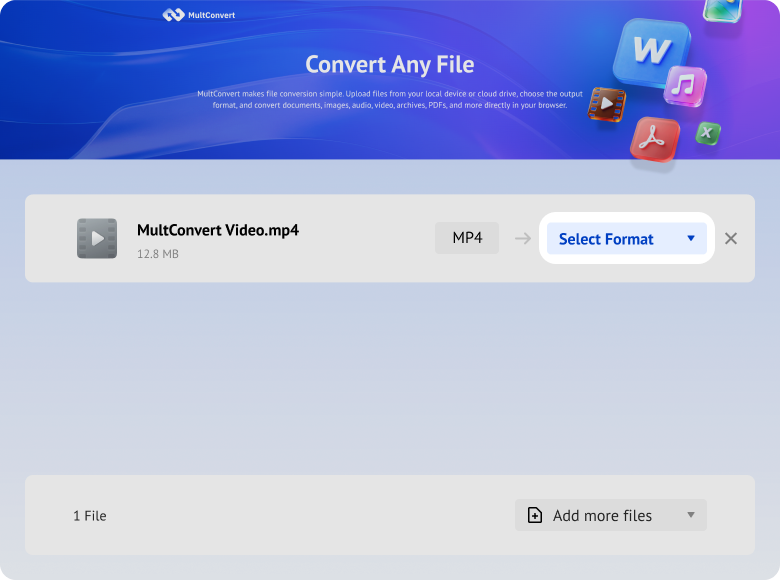
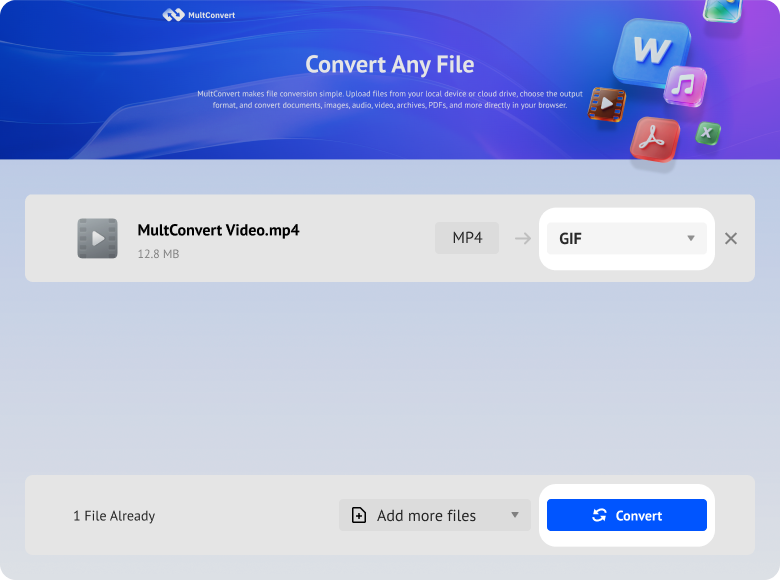
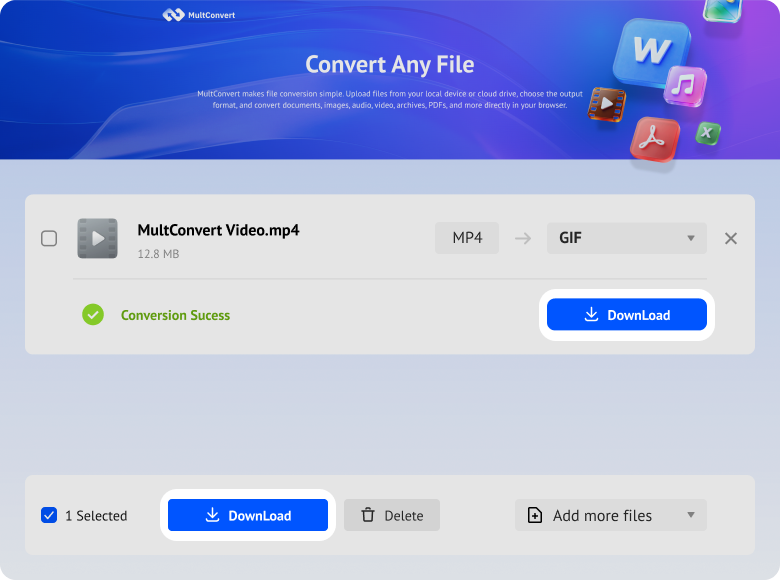
Whether your video footage lives on a local physical drive or across your daily cloud accounts, MultConvert turns any MP4 into a ready-to-share GIF without forcing you to move or download giant video files first.
Turn legacy video archives stored on your mechanical hard drive into lightweight GIFs ready for instant web sharing.
Process high-framerate 4K footage straight from your solid-state drive with zero performance drag on your computer.
Convert video clips directly off portable thumb drives without wasting time transferring raw files to your desktop.
Transform camera and drone recordings directly from your memory card into dynamic looping visuals for social posts.
Fetch videos straight from your Google ecosystem—our cloud handles the frame-by-frame conversion entirely on the backend.
Generate quick GIF previews from your secure Box workspace documents without streaming heavy video files over local bandwidth.
Pull MP4 assets directly from shared team folders in Dropbox and output compact animations for docs, tickets, or chat threads.
Connect your Microsoft 365 cloud files and convert screen recordings into auto-playing GIFs without manual file downloading.
Your privacy is guaranteed from start to finish. Uploaded MP4s and converted GIFs are processed seamlessly securely—no human eyes or no data sharing.
All video uploads and GIF downloads are protected with HTTPS/TLS encryption, ensuring your files remain secure throughout the entire process.
Your MP4s are converted to GIFs entirely by automated servers. No human ever views, reviews, or accesses your video frames.
Built with modern privacy practices in mind, including data handling principles aligned with GDPR expectations.
MultConvert automatically balances file size and visual clarity during conversion, so your GIF stays light enough to send, upload, and load without unnecessary weight.
A GIF should loop cleanly, not stutter or feel choppy. We help you keep playback stable so the result looks natural across common devices and browsers.
A good GIF should still be easy to understand after conversion. By balancing quality and dimensions, the image stays sharp enough to read and watch without turning into a blurry block.
GIFs can lose color richness during conversion, so MultConvert is designed to keep the result as close to the original video as possible in both color and overall look.
Large GIFs often fail when people try to send them in chat apps or open them on mobile. Keeping the output lean and clean makes it much easier to share without frustration.
| Key Difference | MP4 (Video) | GIF (Animated Image) |
|---|---|---|
| File Type | Video ContainerH.264/H.265 codec in a universal container format supporting video, audio, and subtitles. | Animated Image8-bit graphics format using frame-by-frame rendering with LZW compression. |
| Color Capacity | 16.7M+ ColorsTrue Color with smooth gradients, up to 1B+ colors in HDR content. | 256 Colors MaxRestricted palette prone to visible banding and dithering on complex images. |
| Visual Quality | High FidelityHigh fidelity with smooth color gradients. | Low FidelityLow fidelity with limited color depth and frame rates. |
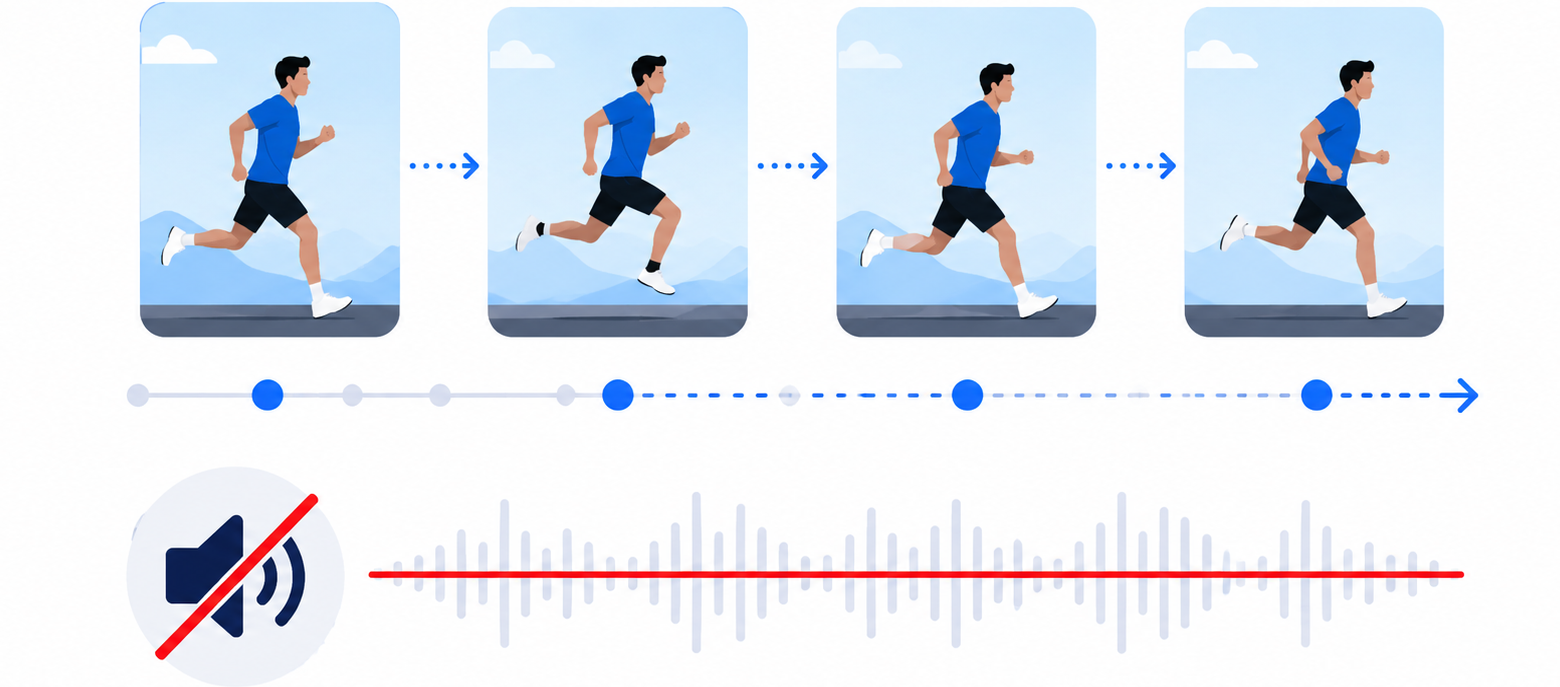
| Audio Support | Full AudioSupports AAC, stereo, and multi-channel surround sound tracks. | No AudioGIF is a purely visual format with no audio track support. |
| File Size | Highly CompressedInter-frame prediction makes MP4 significantly smaller for high-res or long clips. | Often LargerUncompressed frame sequences can produce very large files for high-res or long clips. |
| Playback Style | Standard VideoSupports play, pause, seek, and scrubbing in any video player. | Infinite LoopAuto-plays and loops silently without any player controls. |
| Optimal Duration | Any LengthSuitable for short clips to full-length movies without quality loss. | Micro-Clips OnlyBest for 5–10 second loops; longer clips become impractically large. |
| Platform Compatibility | Universal PlaybackPlays across all social platforms, browsers, and native video players. | Messaging NativeSupported natively in chat apps; auto-converted to MP4 on major social feeds. |
MP4 is better for video - smaller, richer, with audio. But GIF fills a niche that video can't: auto-playing, silent, looping animation that works inline in places where video doesn't. Here's when the conversion actually makes sense.
A short GIF in a Jira ticket or Slack thread shows the exact state, timing, and behavior - no follow-up questions needed. Product managers drop GIFs into Notion to demo interactions. Remote teams share a 5-second GIF instead of scheduling a 15-minute screen share.
Slack, Discord, iMessage, WhatsApp - GIFs autoplay inline in every major chat app. MP4 files often show up as downloadable attachments instead. If you want your clip to play the moment it lands in a conversation, GIF is the format.
Most email clients strip <video> tags but render animated GIFs perfectly. Gmail, Apple Mail, and Outlook on Mac all display GIFs inline. If you need motion in a newsletter or promotional email, GIF is your only reliable option.
Reddit, Stack Overflow, and Discourse render GIFs inline but don't allow video embeds in comments. A GIF illustrates a point, reproduces a bug, or adds humor - all without leaving the thread.
Most internet memes start as a video clip and become a GIF for easy sharing. The format auto-loops, works everywhere, and captures a single expressive moment on repeat. If the moment doesn't need audio, it's a GIF.
GitHub, GitLab, Notion, and Confluence embed GIFs natively. A 4-second loop showing a UI interaction or a terminal command is clearer than a paragraph of text - and doesn't pull the reader off the page.
Having trouble uploading an animated GIF to your favorite app? Most messaging platforms, email clients, and developer tools enforce strict file size and dimension limits. Use our quick reference guide below to ensure your converted GIF loads fast, plays smoothly, and never gets rejected.
| Platform / App | Max File Size Limit | Recommended Resolution |
|---|---|---|
| Gmail | 25MB | Under 600px width |
| Outlook | 20MB | Under 600px width |
| Apple Mail | 20MB (excess auto-converts to link via Mail Drop) | Under 600px width |
| GitHub | < 10MB (for inline display in README & Issues) | Under 800px width |
| Discord | Free: 8MB / Nitro: 50MB | 480p to 720p |
| Slack | < 2MB recommended for inline playback | 480p to 720p |
| ~16MB | 300x300 to 480p | |
| iMessage | No hard limit (recommend < 5MB for smooth delivery) | 300x300 to 480p |
| Notion | Free: 5MB / Paid: 5GB | Original ratio or 720p |
| X (Twitter) | Web: 15MB / Mobile: 5MB | 480p to 720p |
| Subreddit-dependent, often 8–10MB | 480p to 720p |
MP4 stores changes between frames. GIF relies on a 256-color palette and LZW compression, so file size depends on motion, color, and frame count.
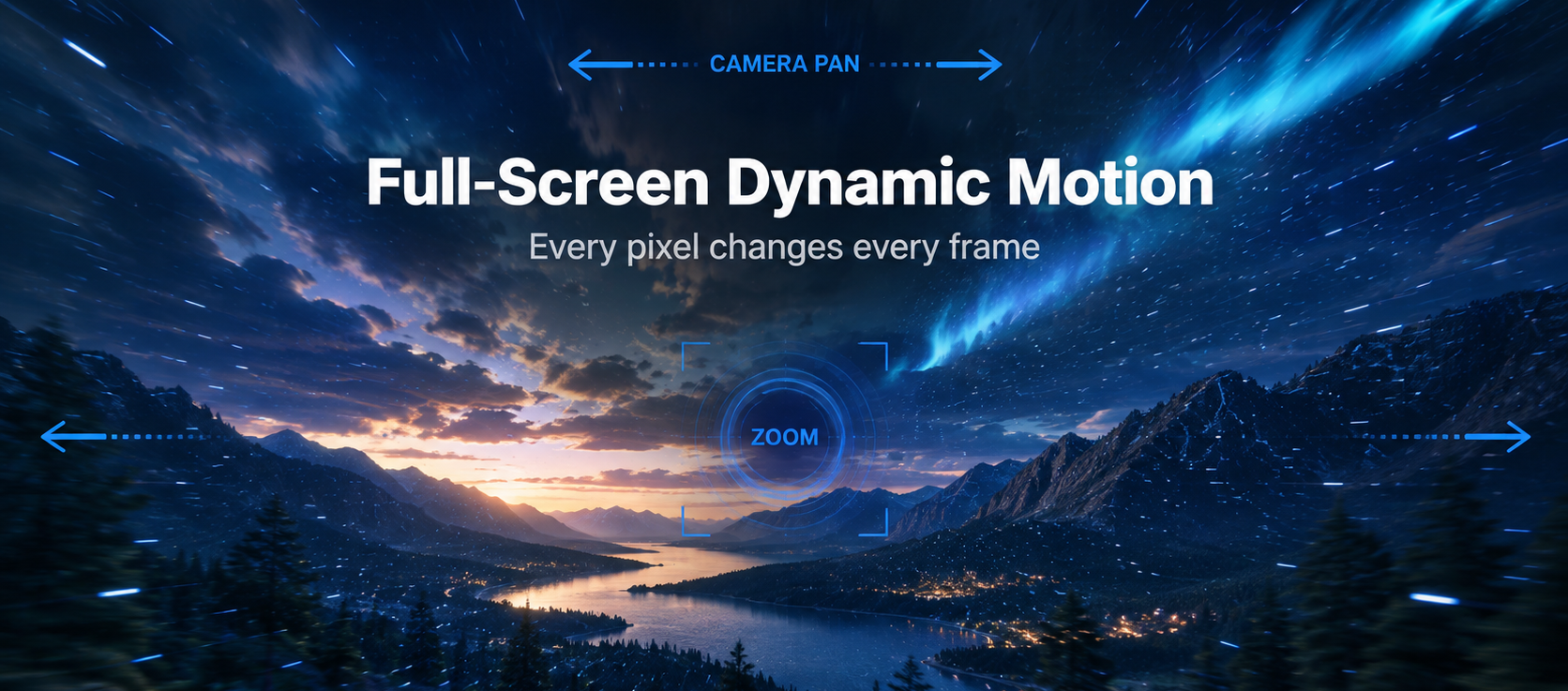
Camera pans, zoom transitions, particle effects — every pixel changes every frame.
Tech Note:No frame reuse → full data per frame
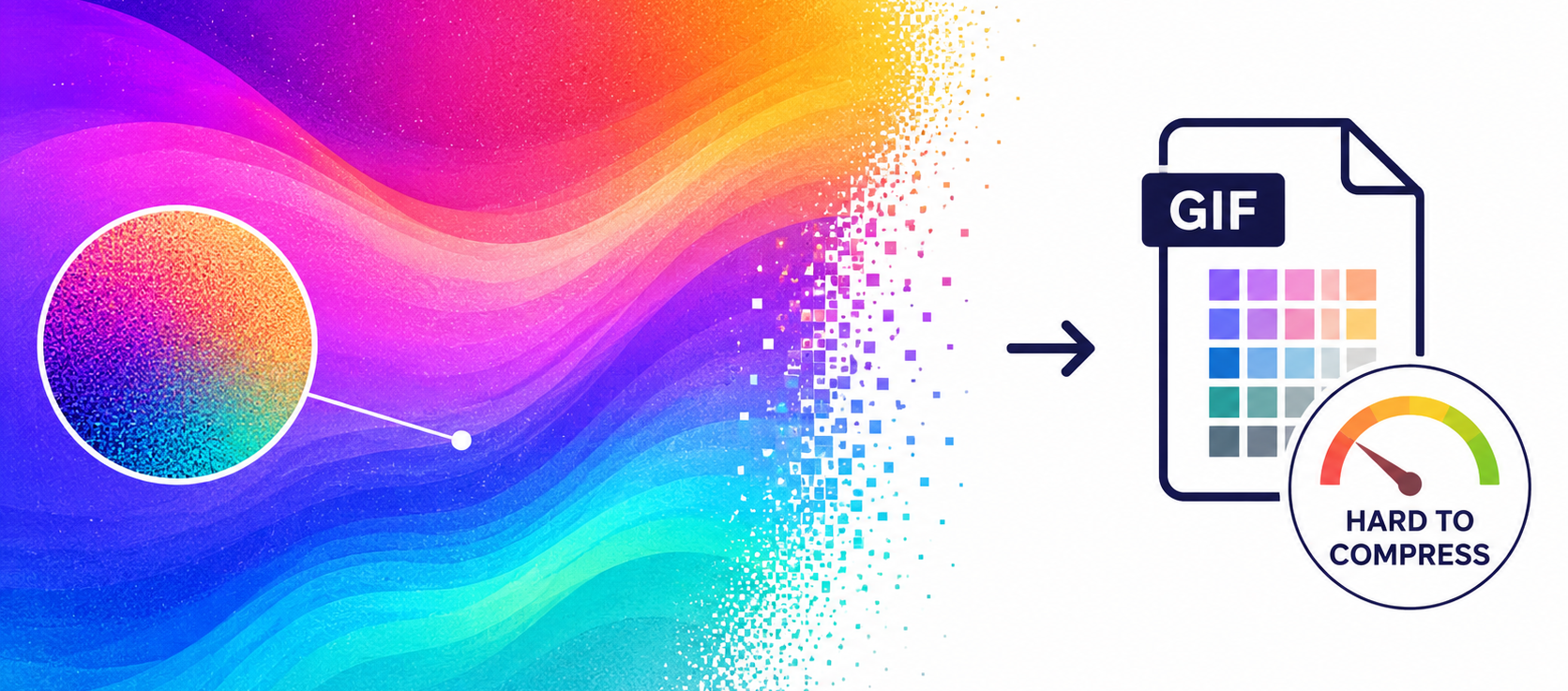
Photographs or color gradients force dithering — noise patterns that destroy LZW compression.
Tech Note:Dithering noise → LZW can't find patterns
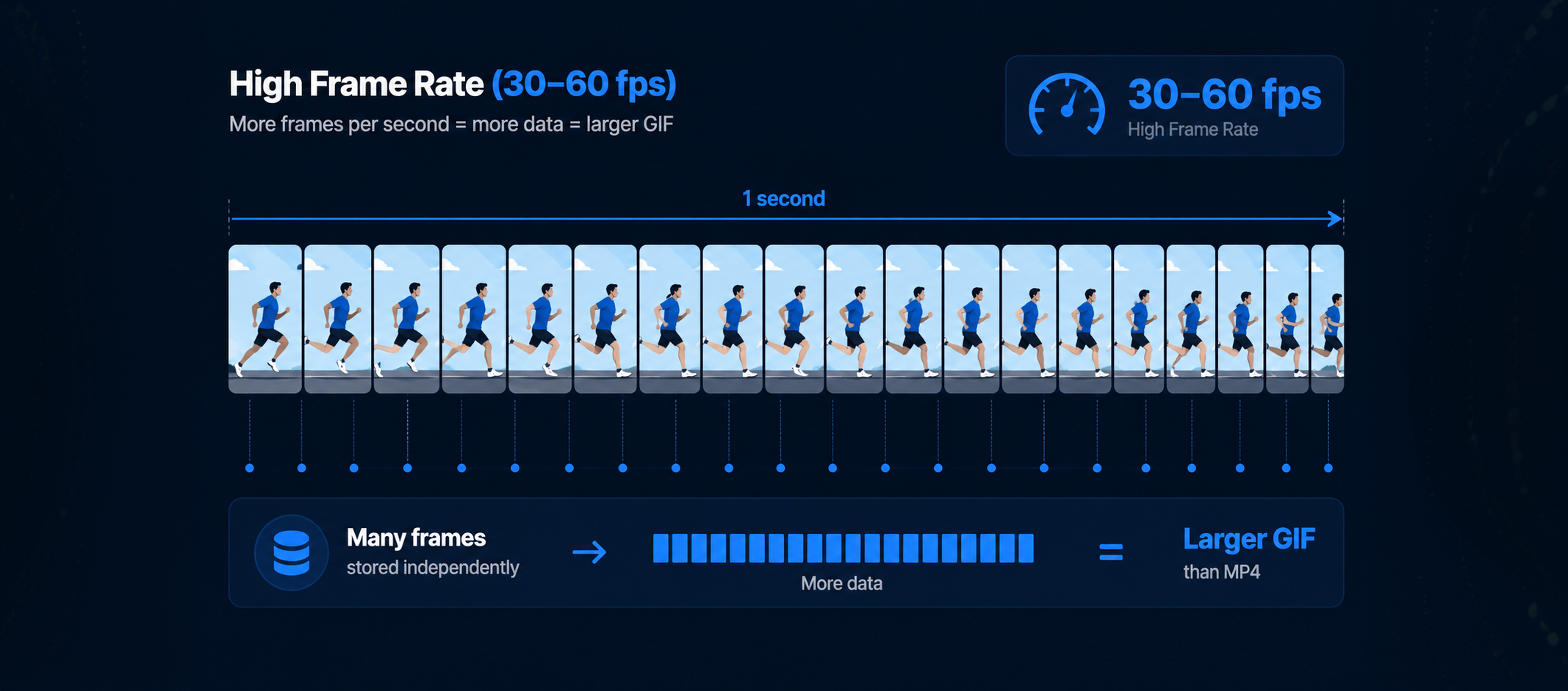
Each frame stored independently. More frames = more data, with no prediction to compensate.
Tech Note:Linear growth: 2× fps = 2× file size
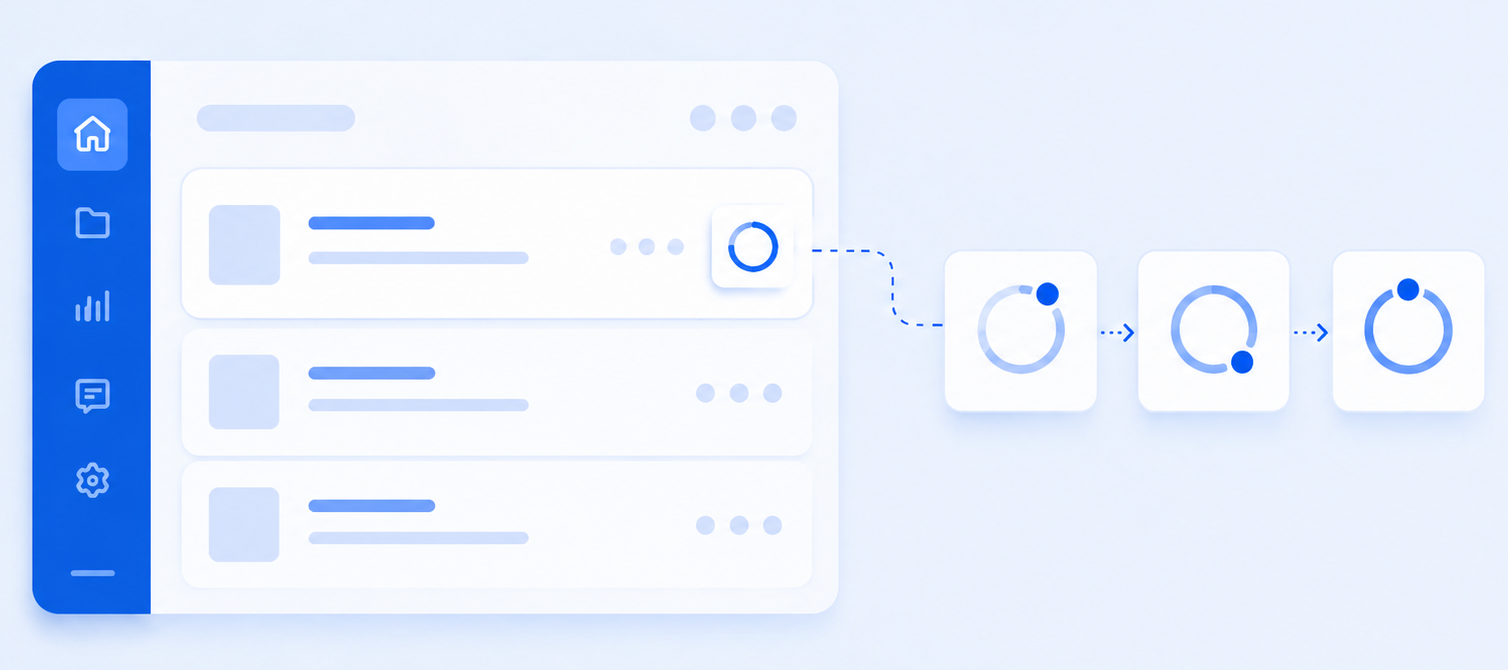
UI demos, text recordings, static-background memes — only a small area changes per frame.
Tech Note:Transparency replacement → reuse static pixels
2D vectors, monochrome line art, code demos — fits the 256-color palette perfectly.
Tech Note:256-color fit → maximum LZW efficiency
Dropping to 5–10 fps cuts frame count dramatically. AAC audio track is entirely stripped.
Tech Note:Fewer frames + no audio = lean output
A visual comparison of file size, conversion efficiency, and output quality across three distinct content types.
Easily transform your MP4 videos into versatile formats or switch other file types to MP4 using our fast, browser-based converter.
No. GIF only carries motion, so the audio disappears on purpose. That is useful for preview loops and quick explanations, but if the sound still matters you should stay with MP4 or pull the track into MP3 instead.
Upload and Convert MP4 into a lightweight GIF in seconds right now.











 Gmail
Gmail Outlook
 Apple Mail
 GitHub
 Discord
 Slack
Slack WhatsApp
 iMessage
 Notion
 X (Twitter)
 Reddit