NoCost-
Convert files freely without paying any fees.
Convert MP3 files to WAV online with fast, secure processing. Prepare your audio for editing, production, and WAV-required workflows without installing software or adding another round of lossy compression.
Convert MP3 into WAV online with batch processing, cloud imports, and WAV output ready for further editing—no signup or software installation required.
Convert files freely without paying any fees.
Start converting instantly without creating an account.
Works directly in your browser on any device.
No browser extensions or extra tools required.
Convert multiple audio files in a single task.
Get clean WAV files without added watermarks.
Access files directly from your cloud storage.
Convert without another round of lossy compression.
Convert 20 files daily, up to 1 GB each.
Get WAV files ready for editing and production.
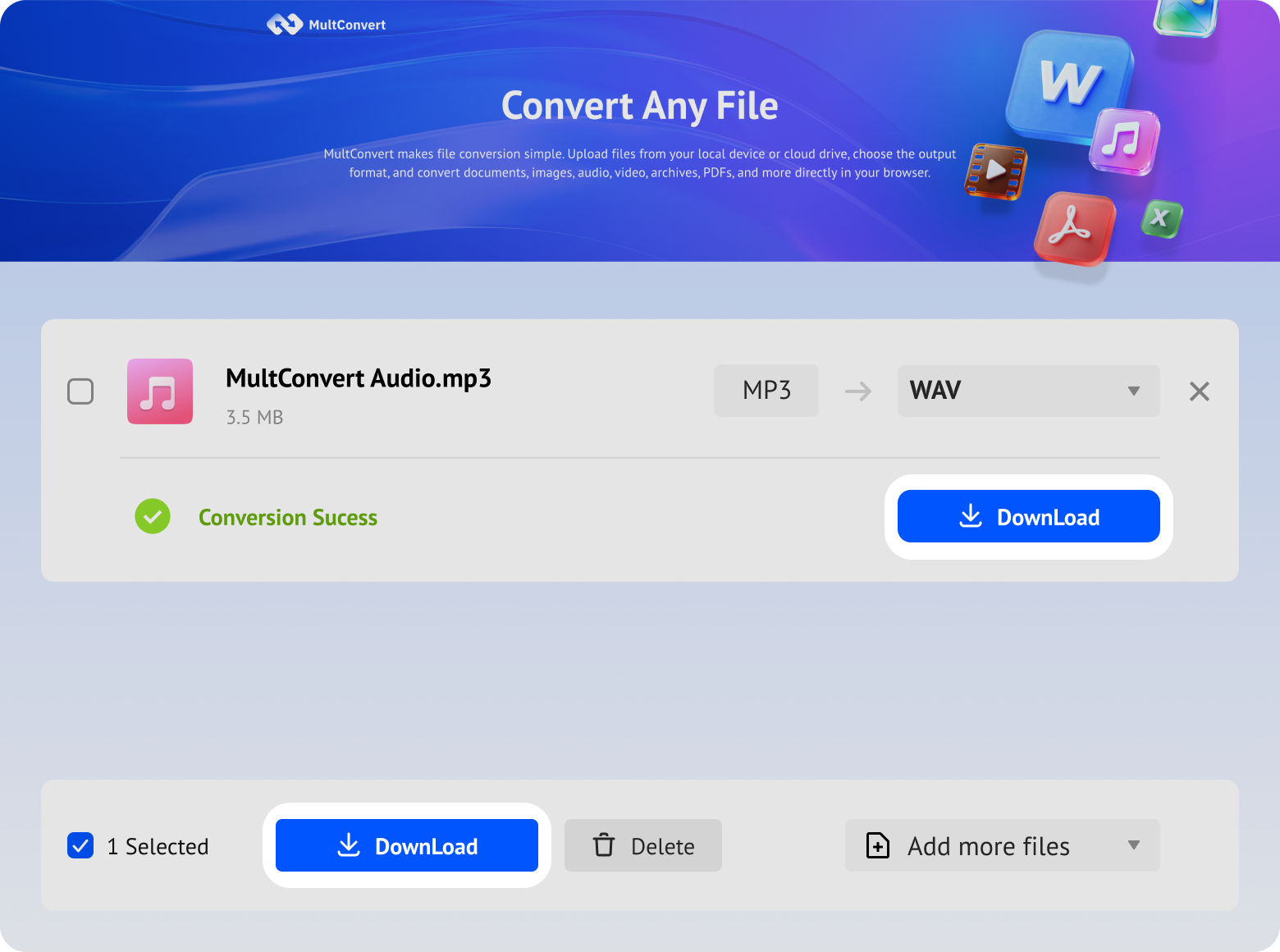
Convert MP3 to WAV in just three simple steps. Upload your MP3 files, start the conversion, and download your WAV files when they're ready.
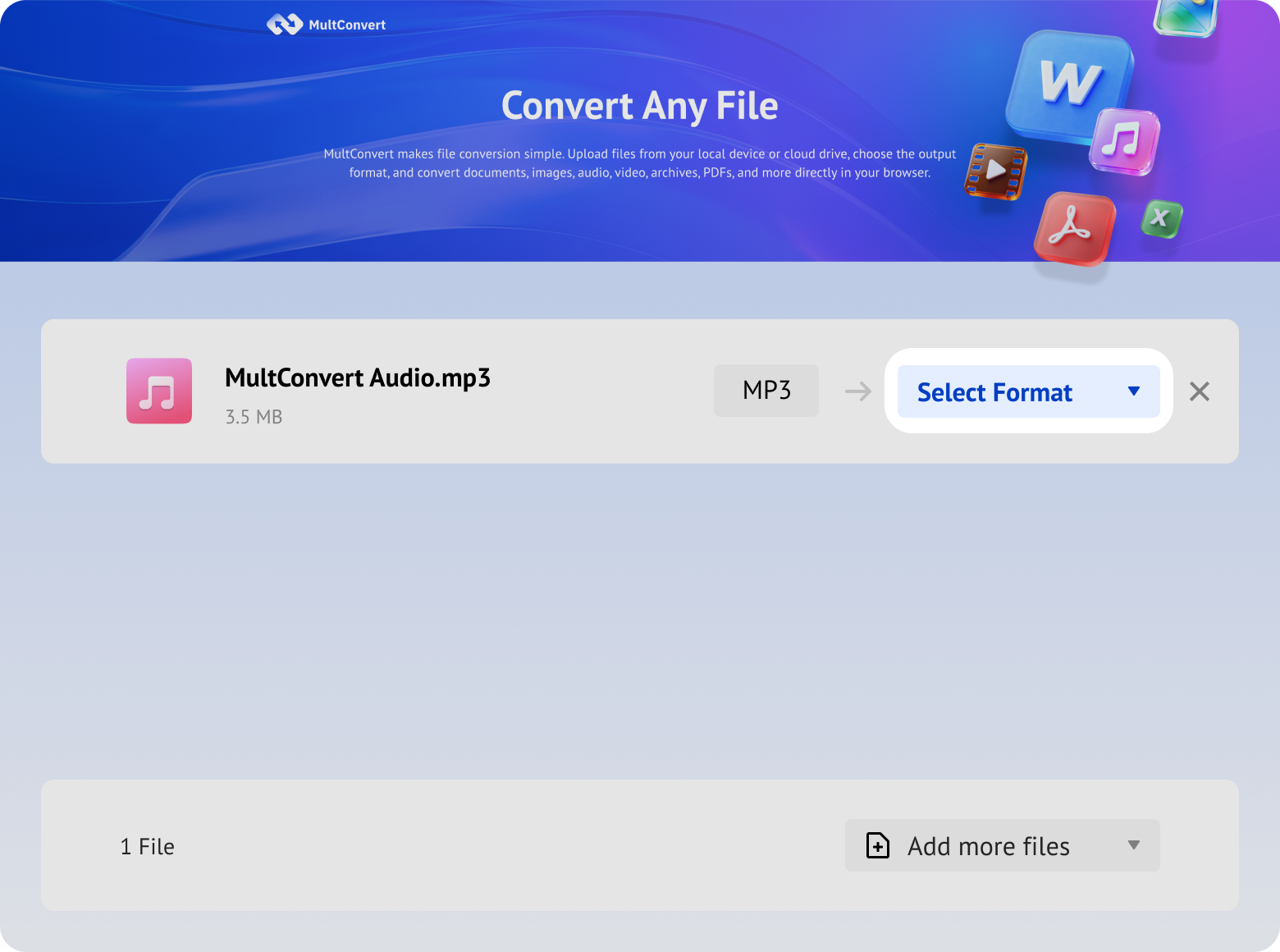
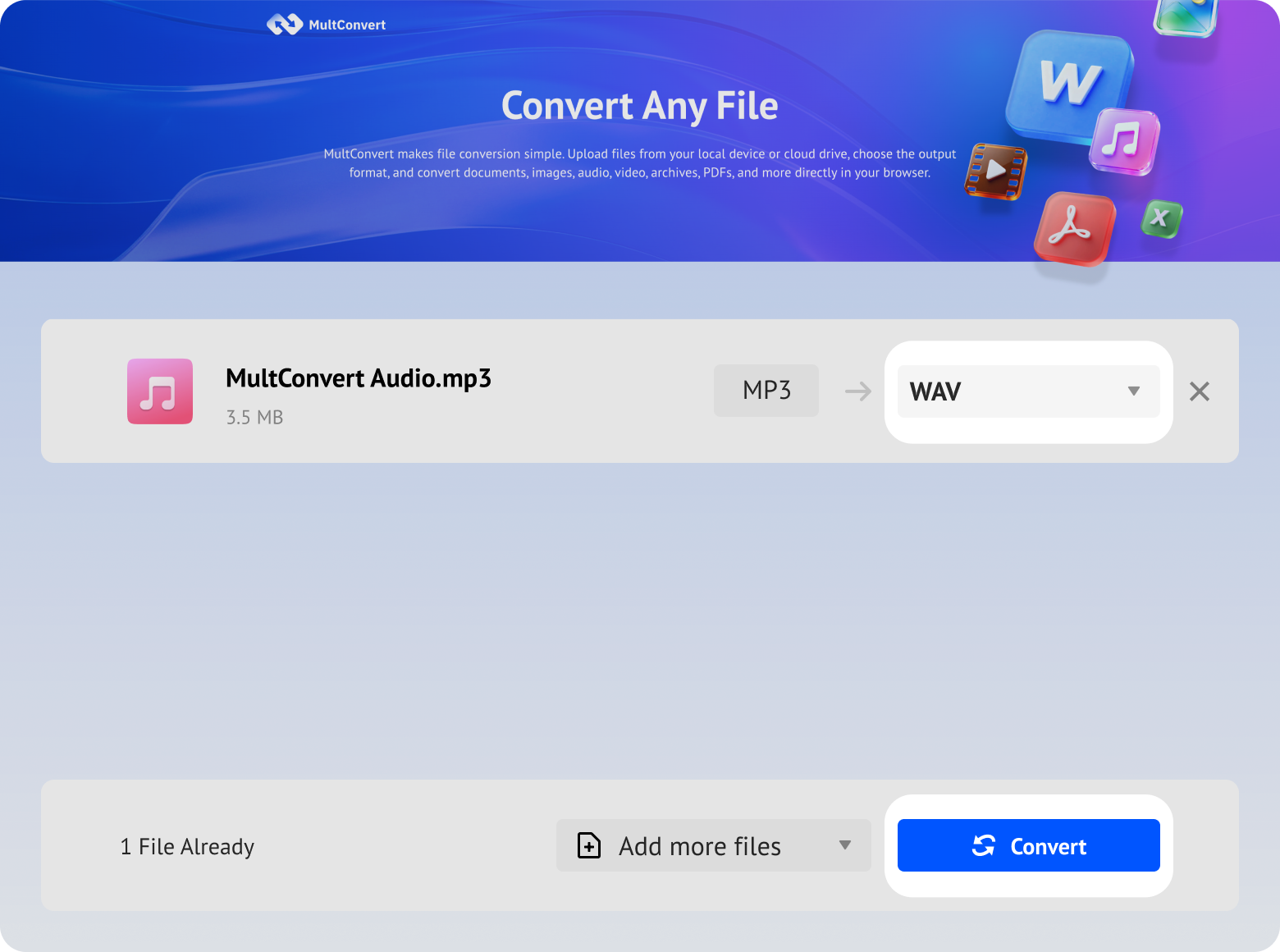
Upload audio files from local storage, external drives, or cloud storage and convert to WAV in just a few clicks.
Files saved on a hard drive are ready to convert directly from your device.
Work with files stored on an SSD without moving them first.
Plug in a USB flash drive and convert your files on the spot.
Convert camera files straight from an SD card when you need them.
Access files from Google Drive and start converting without an extra download step.
Pull files from Box and move straight into conversion.
Convert files stored in Dropbox without downloading them first.
Use OneDrive files directly for a faster conversion flow.
Your files are encrypted during upload and download, processed automatically, and removed after conversion. We never read, share, or store your files longer than needed to complete the conversion.
Every file is protected with HTTPS/TLS encryption while it's uploaded and downloaded.
Temporary files are automatically removed 10 hours after processing to help protect your privacy.
Your files are processed automatically and aren't manually viewed or accessed by our team.
Built with modern privacy practices in mind, including data handling principles aligned with GDPR expectations.
Converting MP3 to WAV gives you a more editing-friendly format, helps avoid additional lossy compression during further processing, and makes your audio ready for workflows or software that require WAV.
WAV makes audio easier to edit, whether you need to trim, mix, clean up, adjust, or further process an existing MP3 recording.
Use converted WAV files as source material for music, broadcasting, podcasts, video, voiceovers, and other creative projects that involve further production.
Keep a WAV working copy for repeated editing and reuse, avoiding additional lossy compression each time the audio would otherwise be re-encoded as MP3.
Transform MP3 to WAV when specific software, platforms, production workflows, or delivery standards require WAV as the accepted format for your audio.
| Aspect | MP3 | WAV |
|---|---|---|
| Compression | Lossy CompressionUses lossy compression | Uncompressed PCMCommonly stores uncompressed PCM audio |
| File Size | Much SmallerReduced storage and faster transfer | Usually Much LargerAccurate representation requires more space |
| Editing | Less SuitedLess suited to repeated editing and re-encoding | Better SuitedBetter suited as a working format for editing |
| Sharing & Portability | Easier to ShareEasier to upload, send, and store | Larger to TransferLarger files require more storage and transfer time |
| Compatibility | Players & BrowsersWidely supported across players, browsers, and devices | Editors & DAWsWidely supported by editors, DAWs, and production tools |
| Creative Workflows | Reference & DistributionConvenient for reference, preview, and distribution | Production FormatCommonly used as a working format in production |
| Choose It When... | Smaller Files & SharingYou prioritize smaller files, listening, or easy sharing | Editing & ProductionYou need editing, processing, production, or a WAV-required workflow |
MP3 to WAV conversion changes more than the file format, but it doesn't improve everything about the audio. The resulting WAV has practical differences, but some limitations of the original MP3 still remain.
When you convert MP3 to WAV, you gain a more versatile file that is better suited for professional editing and delivery.
WAV files usually require considerably more storage than MP3 files because the audio is stored differently.
The converted WAV can be used as a practical working file for editing, processing, and other production tasks.
Keeping intermediate edits in WAV avoids repeatedly re-encoding the working audio as MP3 during your editing process.
The converted file can be used with software, platforms, or delivery workflows that specifically require WAV input.
Converting MP3 to WAV is a technical process that changes the container, but it does not magically restore lost audio data.
Converting MP3 to WAV changes the format, but it does not automatically improve how the original audio sounds.
Audio information already discarded during MP3 compression cannot be restored simply by converting the file to WAV.
Converting to WAV does not repair clipping, background noise, distortion, or other problems already present in the original MP3.
If you mainly listen, share, stream, or want to save storage, keeping the original MP3 may be more practical.
See what actually happens when MP3 files are converted to WAV, based on real tests covering file size, duration, audio properties, conversion time, and playback results.
| Test File | MP3 Size | WAV Size | Duration | Conversion Time | Playback |
|---|---|---|---|---|---|
| Voice Recording | 2.3 MB | 16.7 MB | 01:39 | 8 sec |  |
| Music Track | 3.2 MB | 38.8 MB | 03:22 | 8 sec | |
| Podcast | 22.4 MB | 122 MB | 24:15 | 30 sec | |
| Audiobook | 54.1 MB | 597 MB | 59:06 | 1 min 15 sec | |
| DJ Mix | 63.2 MB | 692 MB | 01:08:33 | 53 sec | |
Not all audio converters are created equal. Compare the top browser-based and desktop tools to find the perfect fit for your workflow.
| MultConvertFREE ONLINE | AudacityOPEN SOURCE | VLCMEDIA PLAYER | FFmpegCLI TOOL | |
|---|---|---|---|---|
| No Install Required | Yes | Required | Required | Required |
| No Signup Needed | Not needed | Not needed | Not needed | Not needed |
| Batch Conversion | Yes | With Macros | Via CLI | Via CLI |
| Audio Editing | No (Conversion focused) | Full tools | No | No |
| Cloud Import | Yes | No | No | No |
| Local Processing | No | Yes | Yes | Yes |
| Ease of Use | ||||
| Best For | Quick online conversion directly in your browser | Multi-track editing and local conversion | Basic media playback and simple format swapping | Command line scripting and automation |
Convert between other popular audio formats to meet different needs for playback, editing, sharing, storage, and software compatibility.
Yes. MultConvert supports batch conversion, so you can upload and convert multiple MP3 files without processing them one by one. You can process up to 20 files per day. Once the conversion is complete, you can download all converted files in a single ZIP file with one click.
Upload your MP3 files now and convert them to WAV online for free—no signup or software installation required.