100% Free-
No credit card, no trial, and no paid export screen.
Turn EPUB books into PDF documents when the reading job needs fixed pages for printing, note-taking, submission, or long-term storage.
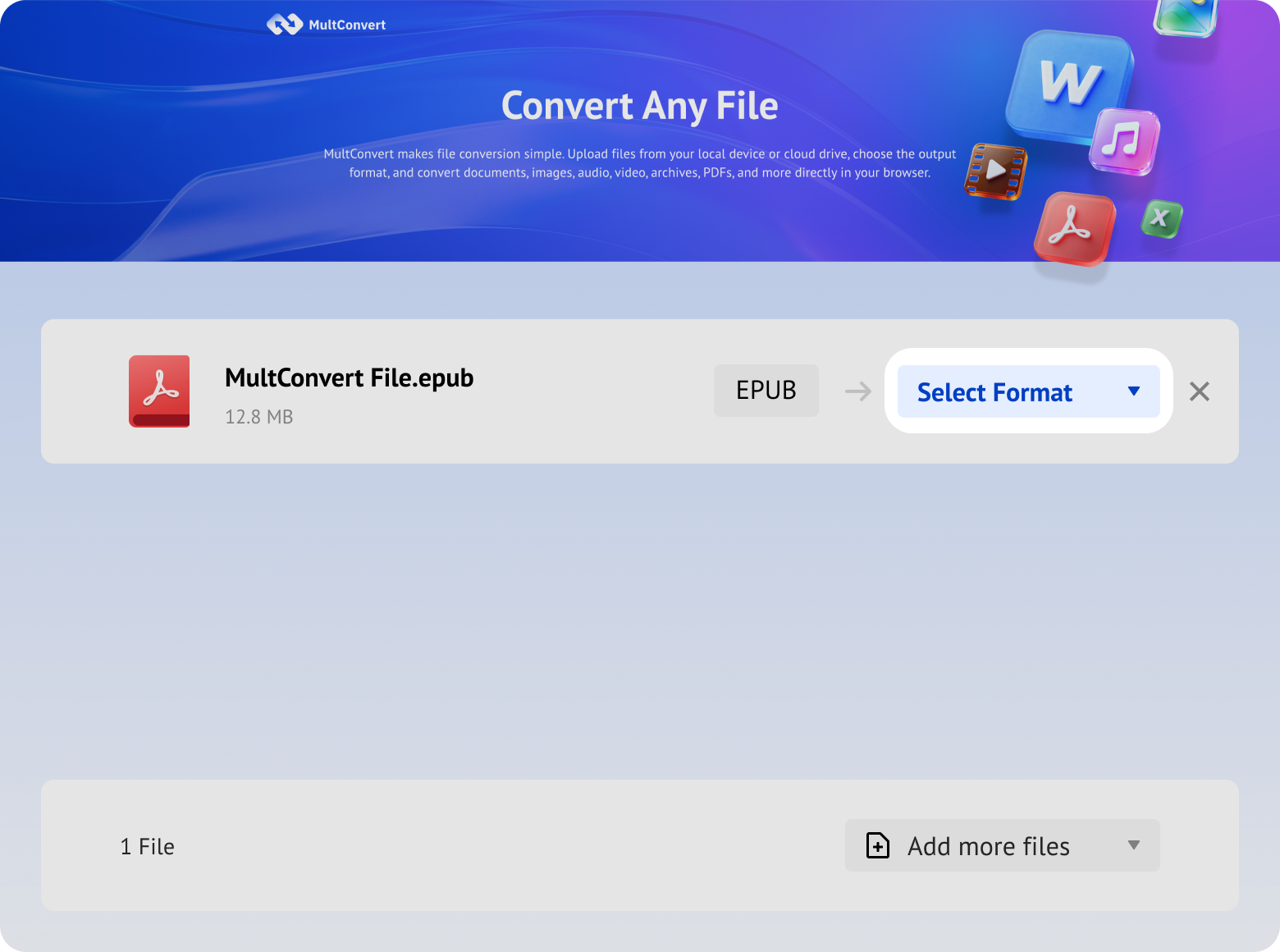
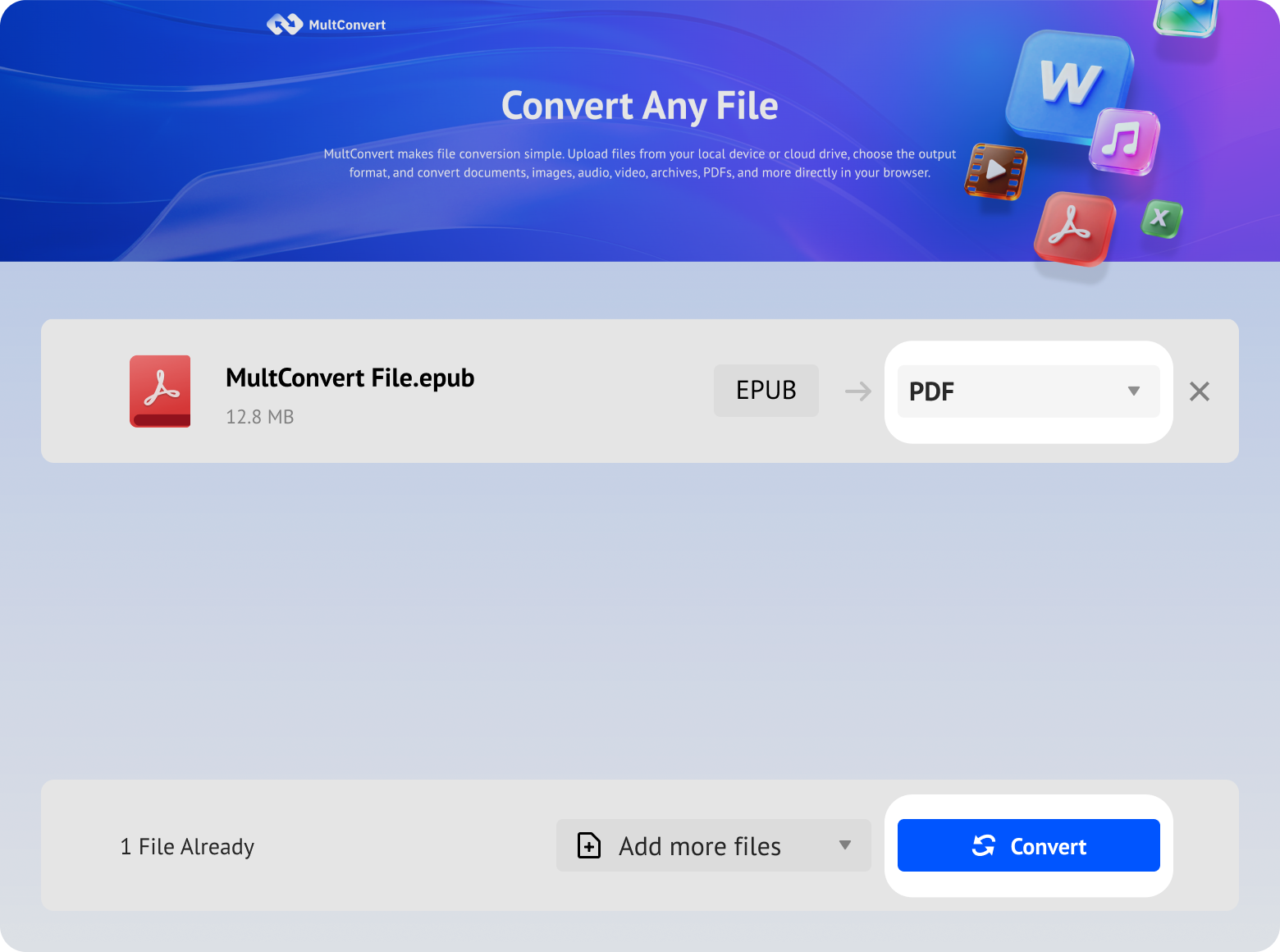
MultConvert turns reflowable EPUB books into fixed-page PDF documents without asking you to install anything. Upload the book, pick PDF, and download a copy that keeps the same layout everywhere.
No credit card, no trial, and no paid export screen.
Start converting instantly without creating an account first.
Your PDFs stay clean, simple, and ready to use.
Directly convert in browser. No software downloads, no setup.
Batch upload and convert your entire eBook collection in a single click.
Clean formatting, clear typography, and readable text structures with zero accidental edge cutting.
Directly import EPUB files from Dropbox, Google Drive, OneDrive, without downloading to local.
All temporary files are automatically removed from our servers 10 hours after conversion.
PDFs retain clean formatting, clear typography, and readable text structures.
Intelligently scaled to fit standard PDF page sizes, ensuring no awkward text cutting.
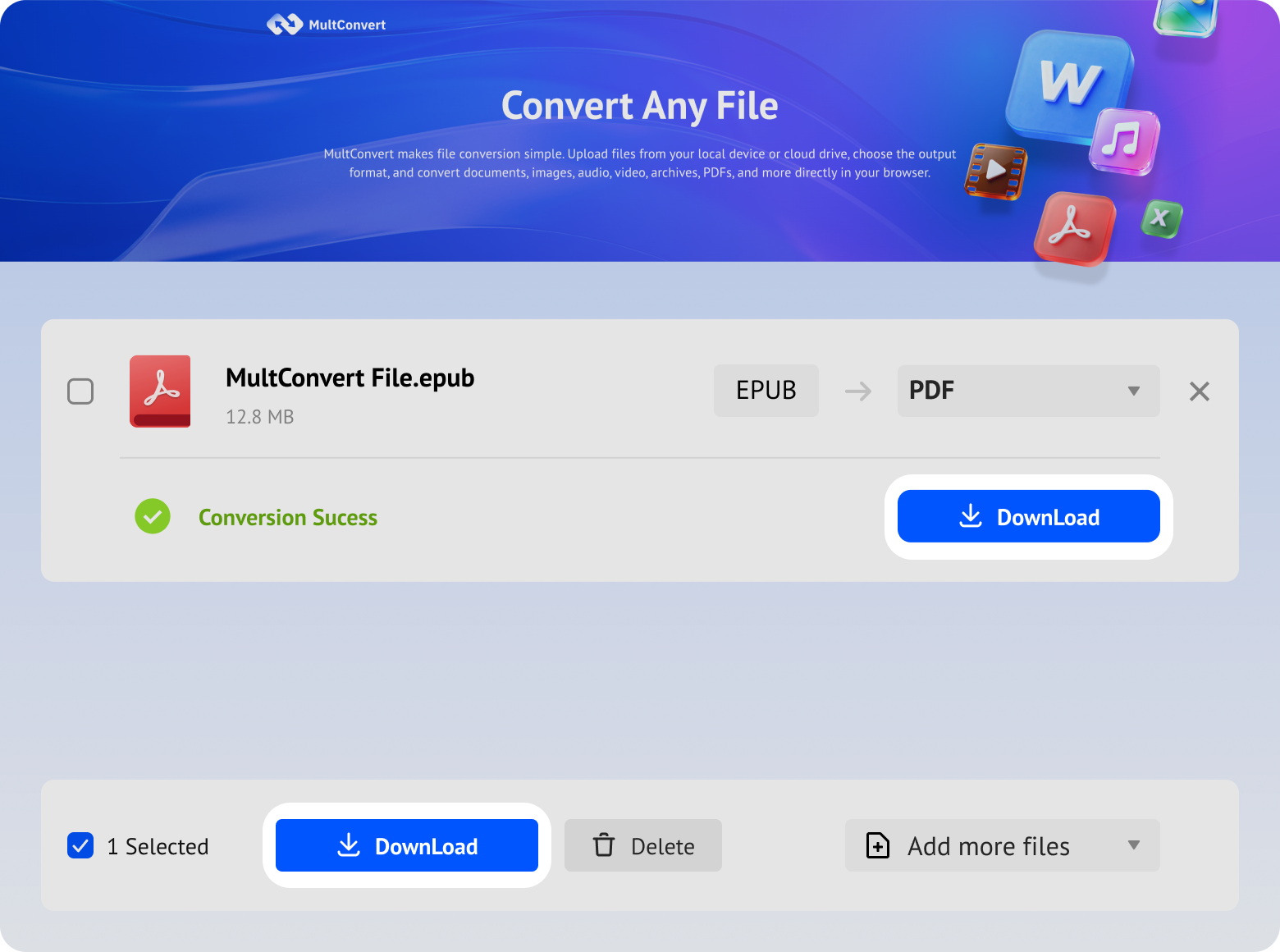
Whether your eBook library resides on local drives, portable storage, or synced across cloud platforms, MultConvert pulls your EPUB files directly for smooth, online PDF conversion without requiring manual file transfers first.
Access eBook archives stored on your local hard drive and turn them into standardized PDFs in seconds.
Instantly load EPUB files from your primary system SSD or high-speed portable SSD for a swift, lag-free conversion process.
Plug in your thumb drive to convert portable eBook archives directly without copying them to your desktop first.
Select digital books, manuscripts, or scanned publications directly from an SD card used in portable readers or devices.
Fetch EPUB straight from your Google Drive library and export them as PDFs without consuming local network bandwidth.
Connect your Box account to process stored eBooks seamlessly, skipping the download-and-reupload cycle.
Upload EPUB documents directly from Dropbox into MultConvert for instant PDF creation.
Bring digital documents and eBooks stored in OneDrive directly into your conversion queue for quick document generation.
EPUB books, scanned documents, and other ebook files may contain information you don't want exposed. MultConvert protects your files throughout the EPUB-to-PDF conversion process.
MultConvert uses OAuth to connect cloud services and import EPUB files without exposing your password. We never view, process, or store your cloud login credentials.
The conversion process is entirely automated. Your uploaded EPUB eBooks and generated PDF documents are never manually viewed, opened, or accessed by our team or third parties.
Our file processing workflows strictly adhere to international privacy standards, aligning with European GDPR data protection principles to keep your digital identity safe.
All EPUB uploads and PDF downloads are protected by HTTPS/TLS encryption in transit, helping prevent interception or unauthorized access while files move between systems.
Shifting content from EPUB to PDF is fundamentally a transition from a responsive, fluid layout to a fixed-document container.
Core Nature: Built on web standards (HTML/CSS), behaving like a responsive web page.
Adaptive Reflow: Text and elements automatically rearrange, wrap, and scale to fit any display.
Seamless Multi-Device Fit: Delivers optimal font sizes and reading comfort on everything from a 6-inch phone to a 10-inch tablet.
Key Strength: Prioritizes reading experience by adapting to the screen, eliminating the need for constant zooming or horizontal scrolling.
Core Nature: Acts as a "digital printout," locking text, images, and margins into an exact, immutable grid.
Visual Consistency: Maintains an identical appearance across all devices, systems, and installed fonts.
Precise Layout Retention: Perfectly preserves complex multi-column layouts, formulas, and print typography details.
Key Strength: Prioritizes layout integrity and "what you see is what you get" (WYSIWYG) consistency, guaranteeing strict formatting compliance.
An ebook serves you best when you are reading for pleasure, but a document serves you best when you need to get work done.
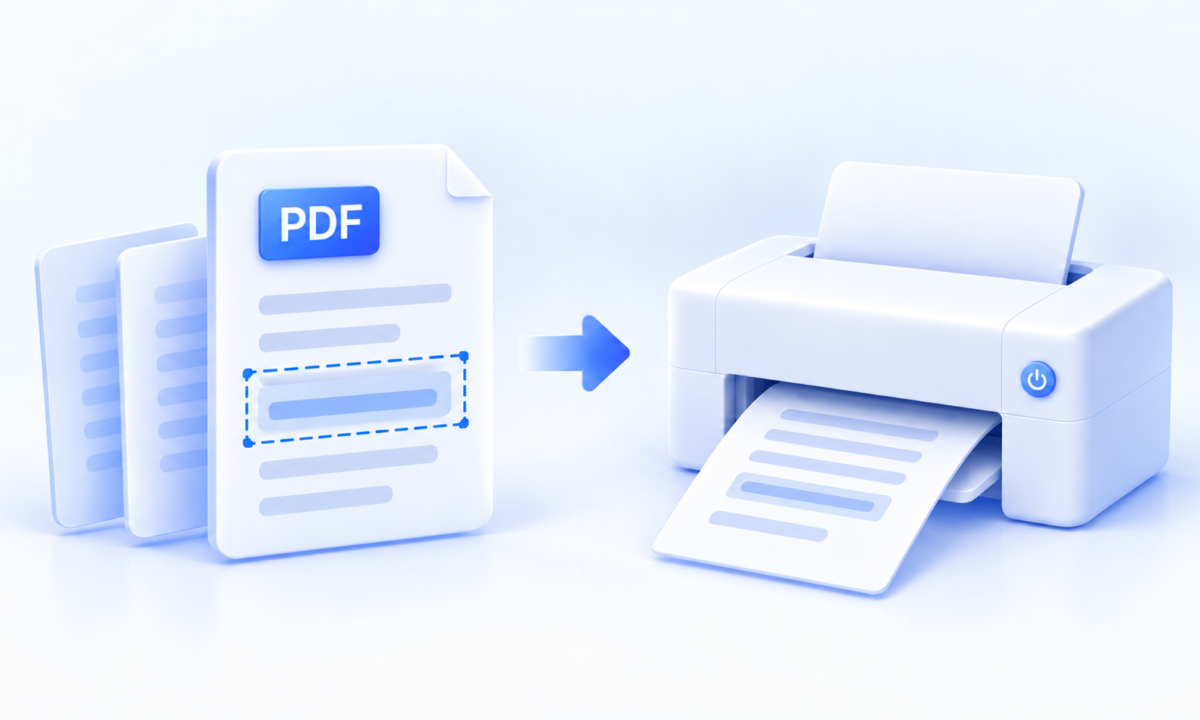
Students, researchers, and professionals rarely need to print an entire 500-page ebook. Instead, they need a specific chapter or a 10-page excerpt.
Converting to PDF transforms the fluid ebook text into distinct, page-based sheets. This allows you to print exact page ranges seamlessly, maintain standard margins for physical binding, and prevent layout shifting during the printing process.
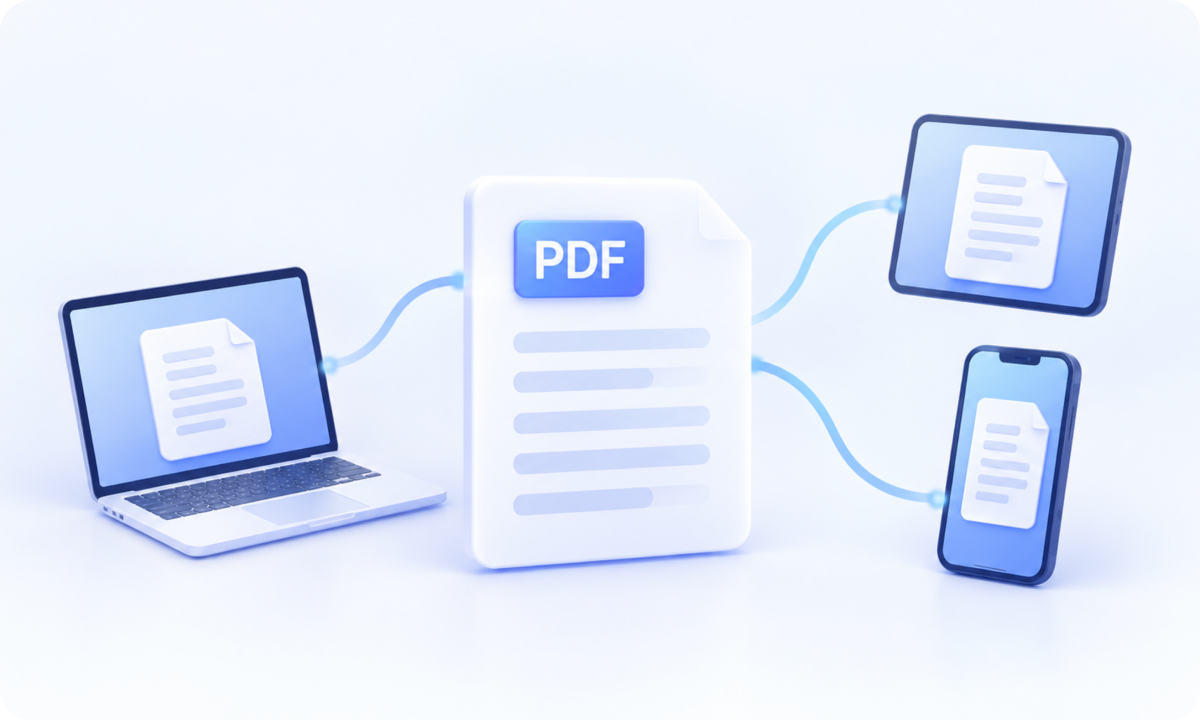
You need to share a specific reading assignment or text segment with a group of colleagues, students, or clients who use different devices.
Not everyone has an e-reader app installed, and EPUBs can look drastically different on a phone versus a laptop. Circulating a PDF ensures that everyone sees the exact same page numbers, formatting, and layout, making collaborative review and page-by-page referencing effortless.
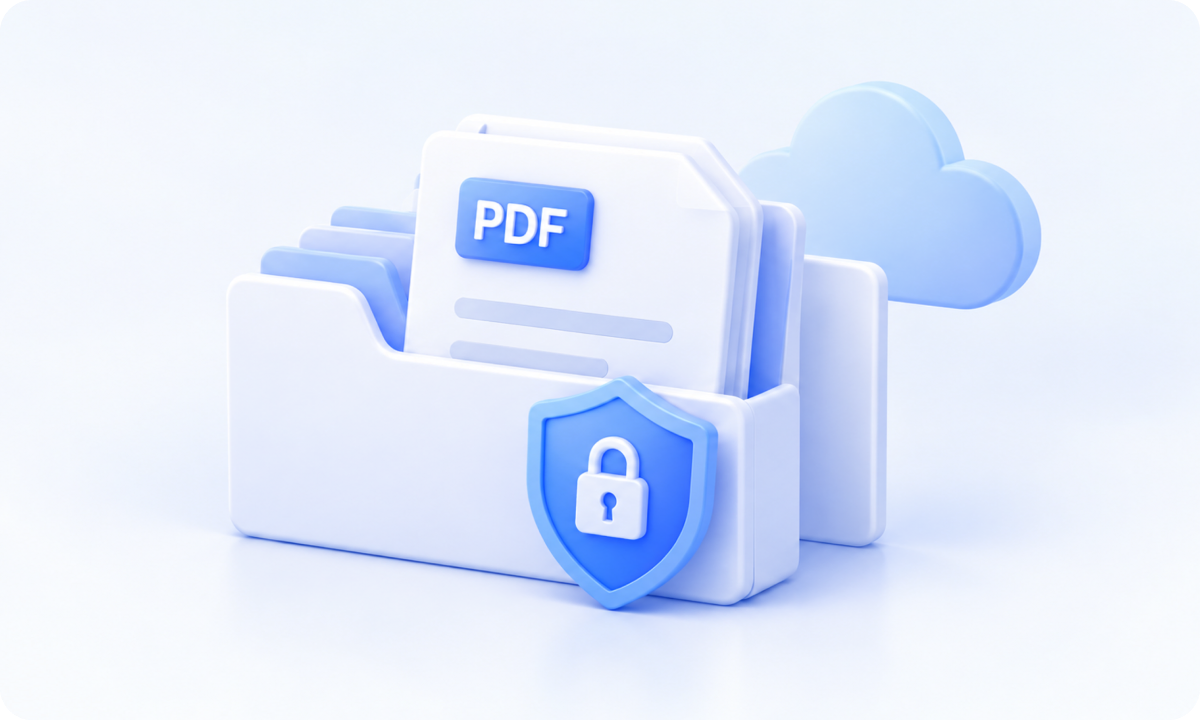
You are archiving corporate manuals, academic papers, or historical text compliance records within a central database or Cloud storage.
EPUB is an active, responsive package designed for consumption. PDF is a digital vault designed for retention. Archiving text as a PDF ensures long-term layout compliance, prevents accidental text alterations, and makes the file instantly searchable and viewable across any enterprise document platform.
Converting an EPUB to PDF trades reading flexibility for document stability. Before converting, keep these core trade-offs in mind:
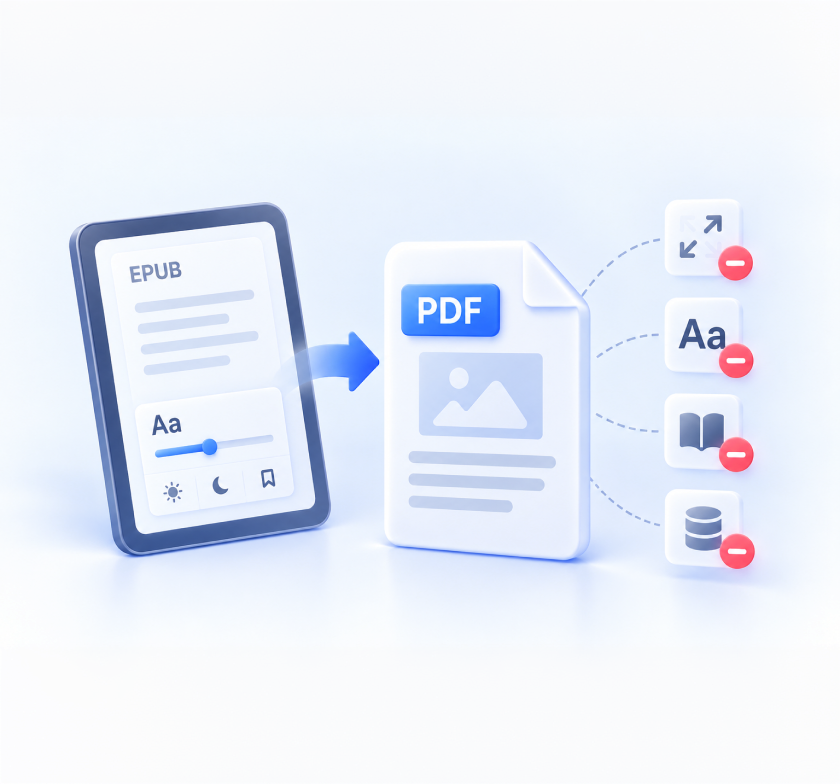
Text will no longer automatically wrap or resize to fit small mobile screens. To read on a smartphone, you must pinch and zoom.
Readers lose the ability to dynamically change font sizes, typefaces, line spacing, or switch to app-native dark modes.
App-native functions like dynamic dictionary lookups, theme switching, and reading progress syncing will be replaced by fixed document pages (internal PDF links and TOC bookmarks remain functional).
Because PDFs embed font data and layout structures to freeze the design, the output file size will usually increase.
Four-dimensional risk analysis based on EPUB internal structure (from low risk to high risk).
 VERY LOW RISK
Converters read chapter files strictly according to the spine sequence, preventing any disordering. High-quality tools generate clickable PDF bookmarks; low-quality tools may render the TOC as plain text, resulting in lost sidebar navigation.
 LOW - MEDIUM RISK
When cover reference tags are correctly parsed, the first page of the PDF will perfectly restore the cover. However, if the fixed paper aspect ratio of the PDF conflicts with the aspect ratio of the cover image, white borders, stretching, or cropping may occur.
 MEDIUM RISK
Pixel data itself will not be lost. However, when switching from reflowable to fixed layout: oversized images may be pushed to the next page, leaving large blank gaps; mixed text-image layouts may cause images to separate from captions. Enabling image compression during conversion may also reduce clarity.
 HIGH RISK
Relative CSS units in EPUB conflict with PDF fixed-page layouts: original CSS margins and default PDF margins double-stack, rendering the body text frame too narrow; without break-inside: avoid configured, paragraphs may suffer awkward page breaks; viewport units like vh and vw fail completely.
English Novel (Classic Literature) · Text-heavy prose with cover image and minimal ornaments
Normal, with no obvious crowding or excessive empty space
The text area is centered and the whitespace looks stable
No obvious title separation or severe break issues found
Reading flow remains intact
Readability is normal, and font rendering is stable
Font size remains legible in the PDF
Overall rhythm is consistent, with no obvious compression or expansion
Paragraph spacing feels natural
Note: Test results are based on a standard prose novel. Files with complex CSS grid layouts or non-standard viewport units may experience higher variation as outlined in the risk assessment above.
Convert to and from PDF seamlessly. Keep your formatting intact or unlock content for editing—anytime, anywhere.







It usually preserves the layout closely, but not always pixel-perfect. EPUB is reflowable across different screens, while PDF uses a fixed page layout, so line breaks, margins, and page breaks may shift slightly during conversion. In our test, the output stayed close to the original for a text-heavy book. Books with highly flexible or complex layouts may still need some adjustment after conversion. The main advantage of PDF is that it gives you a stable, printable version that is easier to annotate and share.
Upload your EPUB books and lock the ebook layout into a clean, print-ready PDF with the eBook converter now!